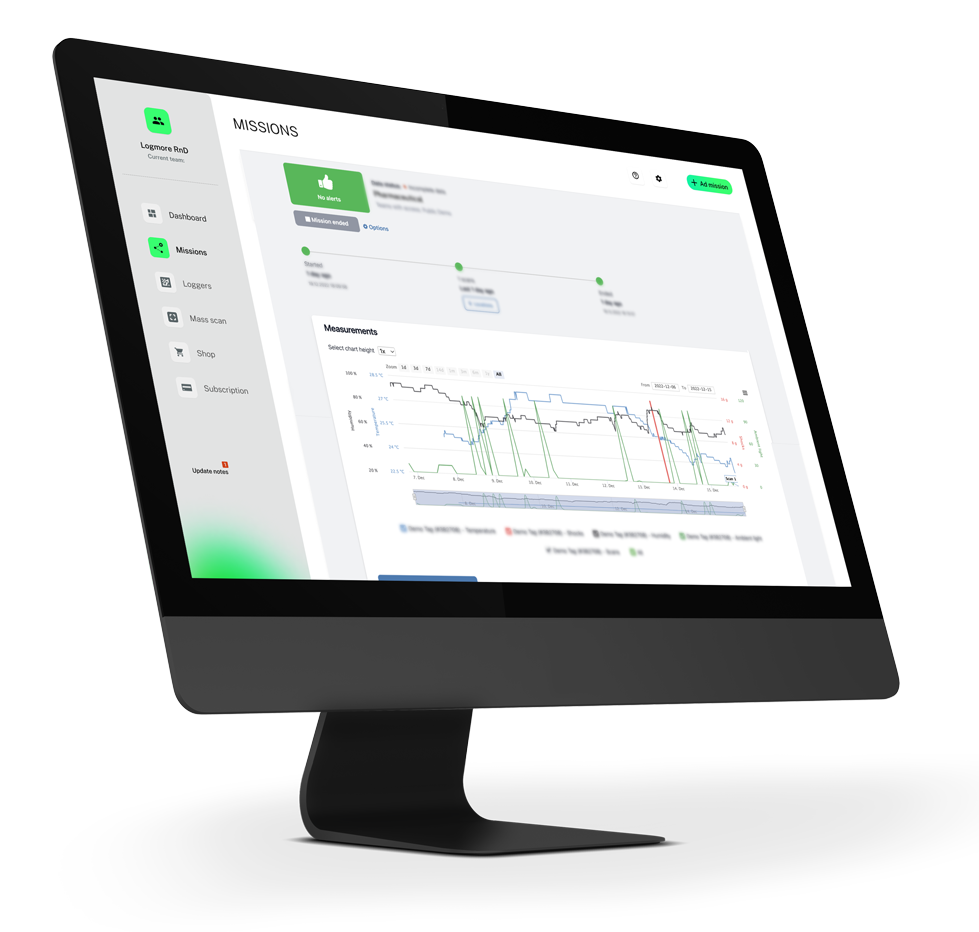
Overview
Cloud platform for monitoring supply chain conditions
- Review shipment reports and dashboards in one workspace
- Turn logger scans into operational evidence
Review shipment reports, alerts, dashboards, fleet status, and regulatory documentation in one secure workspace built for sensitive supply chains.
Shipment reports, dashboards, alerts, documentation, and analytics are organized into one workflow for quality and logistics teams.
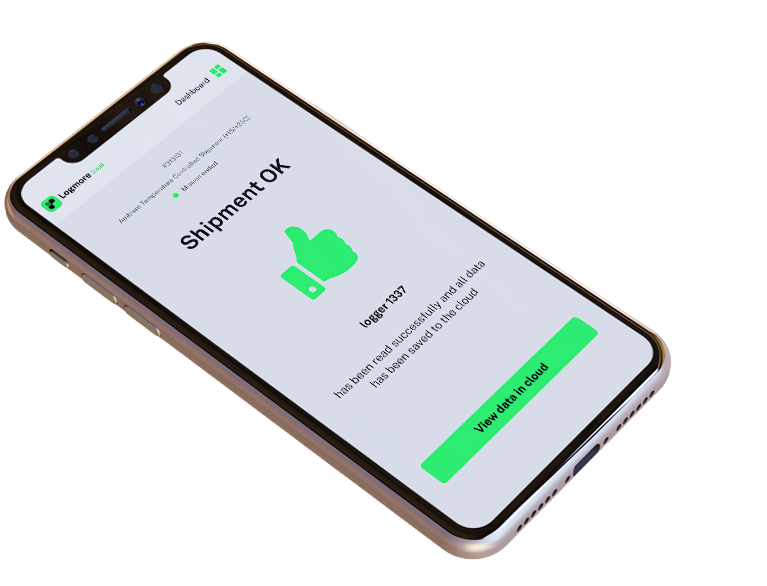
Overview
Data integrity
Reporting
Industry compliance
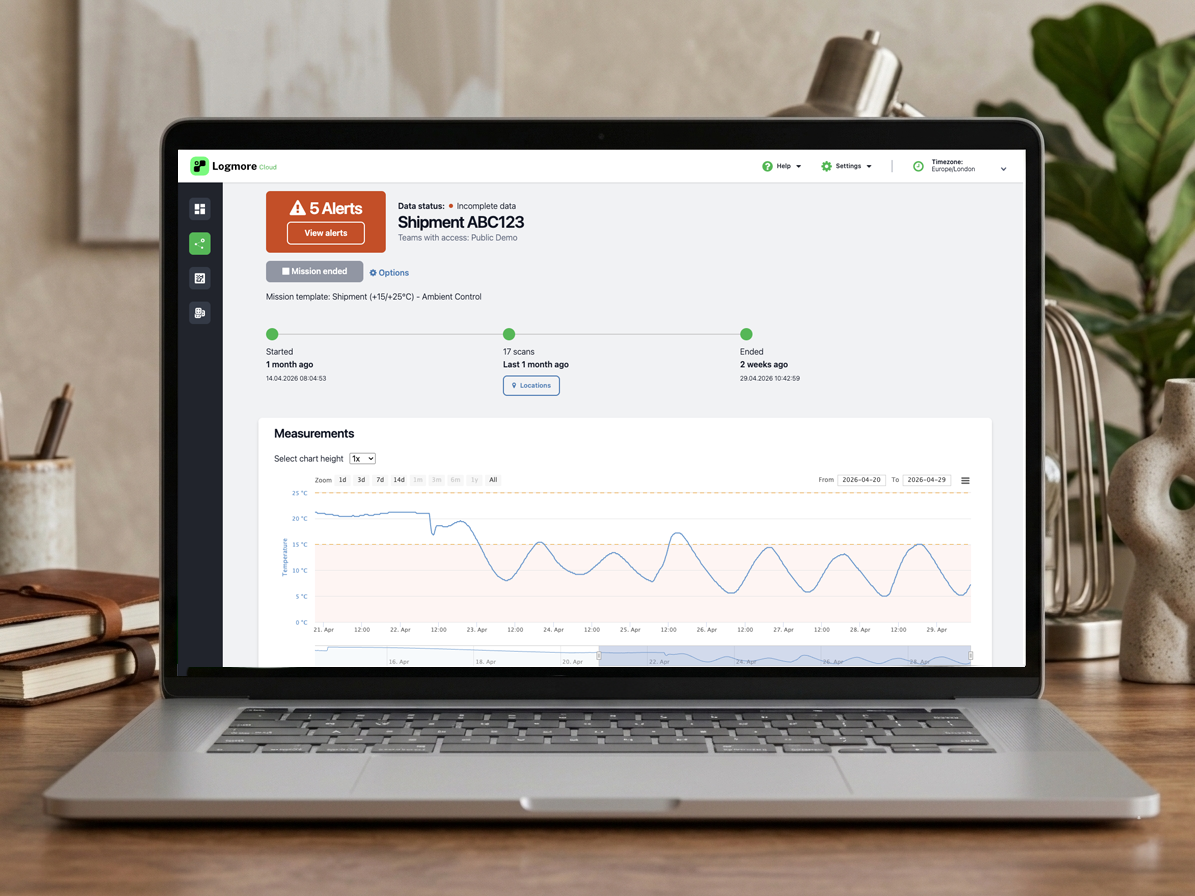
Logmore Cloud gives quality and logistics teams a shared place to review mission status, inspect shipment evidence, export reports, and follow up on deviations.
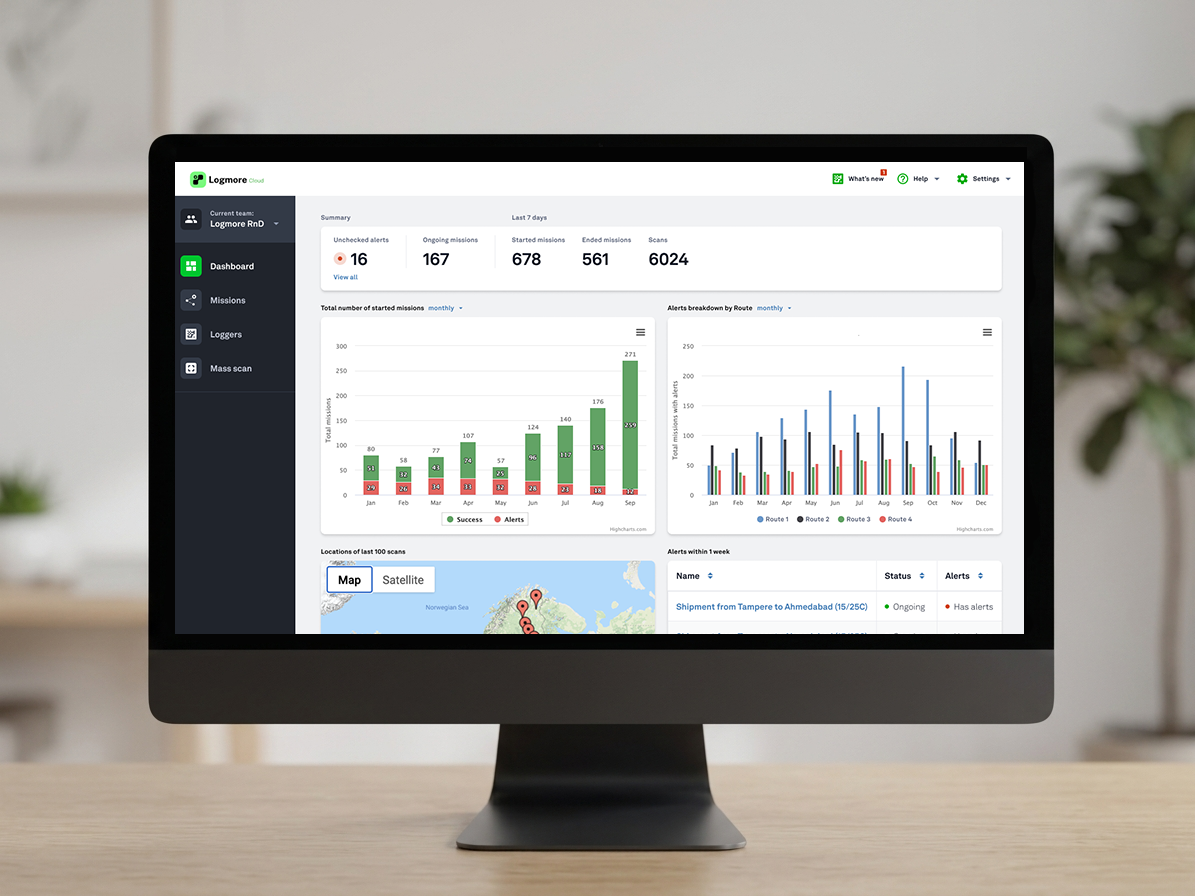
Dashboard visibility, mission-level shipment management, calibration documentation, logger fleet control, and report sharing all sit inside one cloud workflow.
Compile the macro-level reports that matter to you into one dashboard view so teams can recognize patterns without digging through individual shipments first.
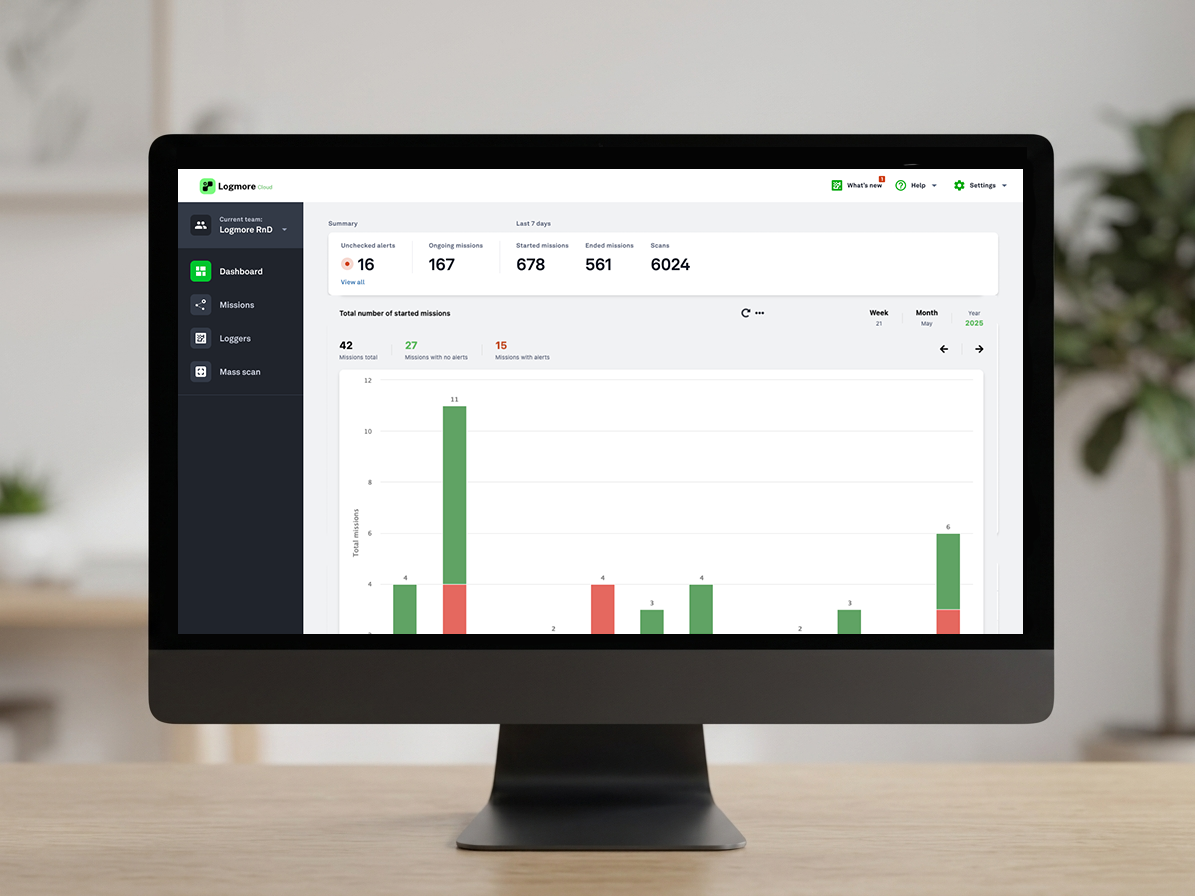
Collect shipment information into reports, set alert rules, and collect topical comments so each mission becomes actionable instead of static data storage.
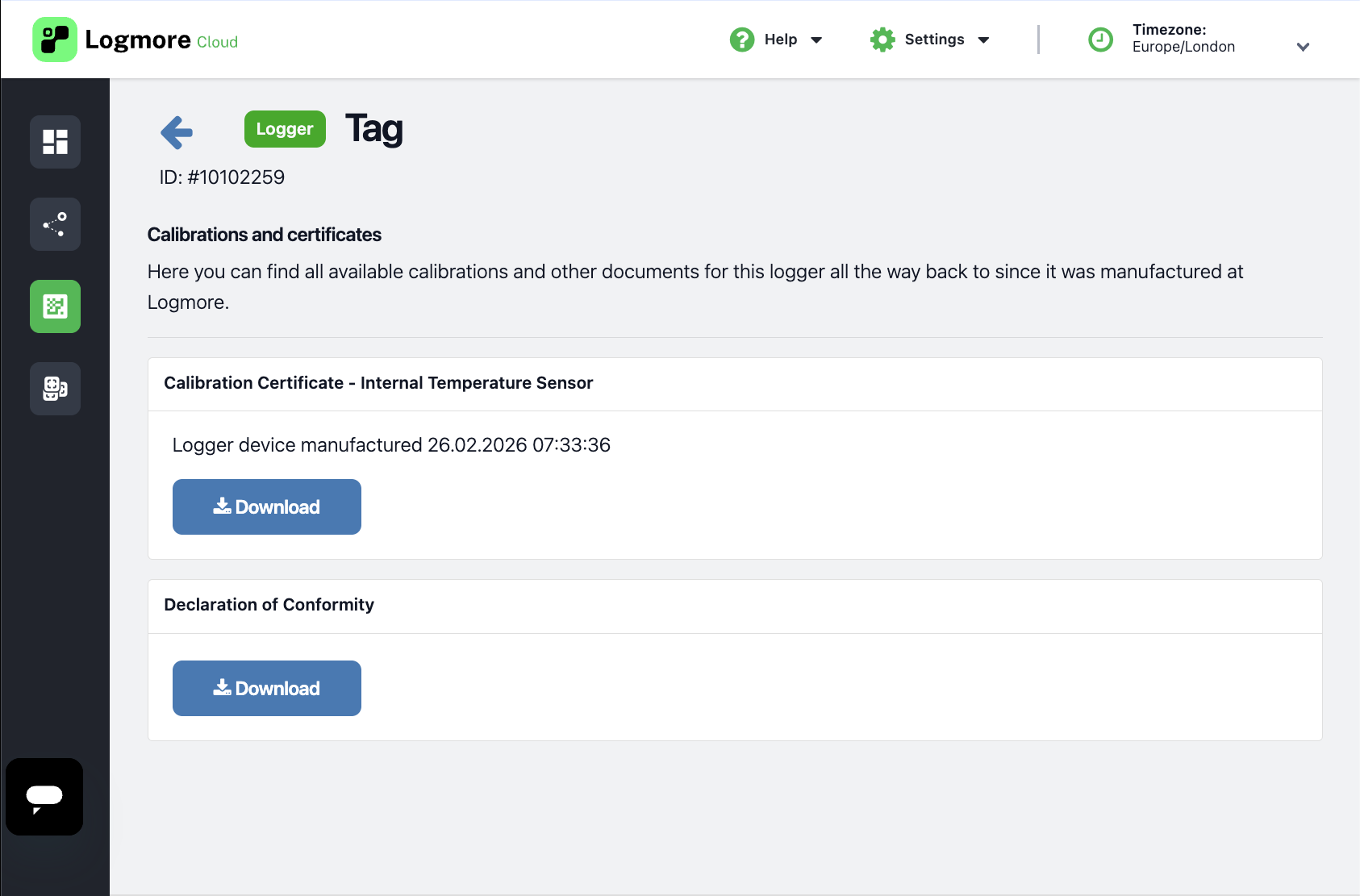
Track calibration status, manage certificates, and keep logger documentation available for audits and operational reviews.
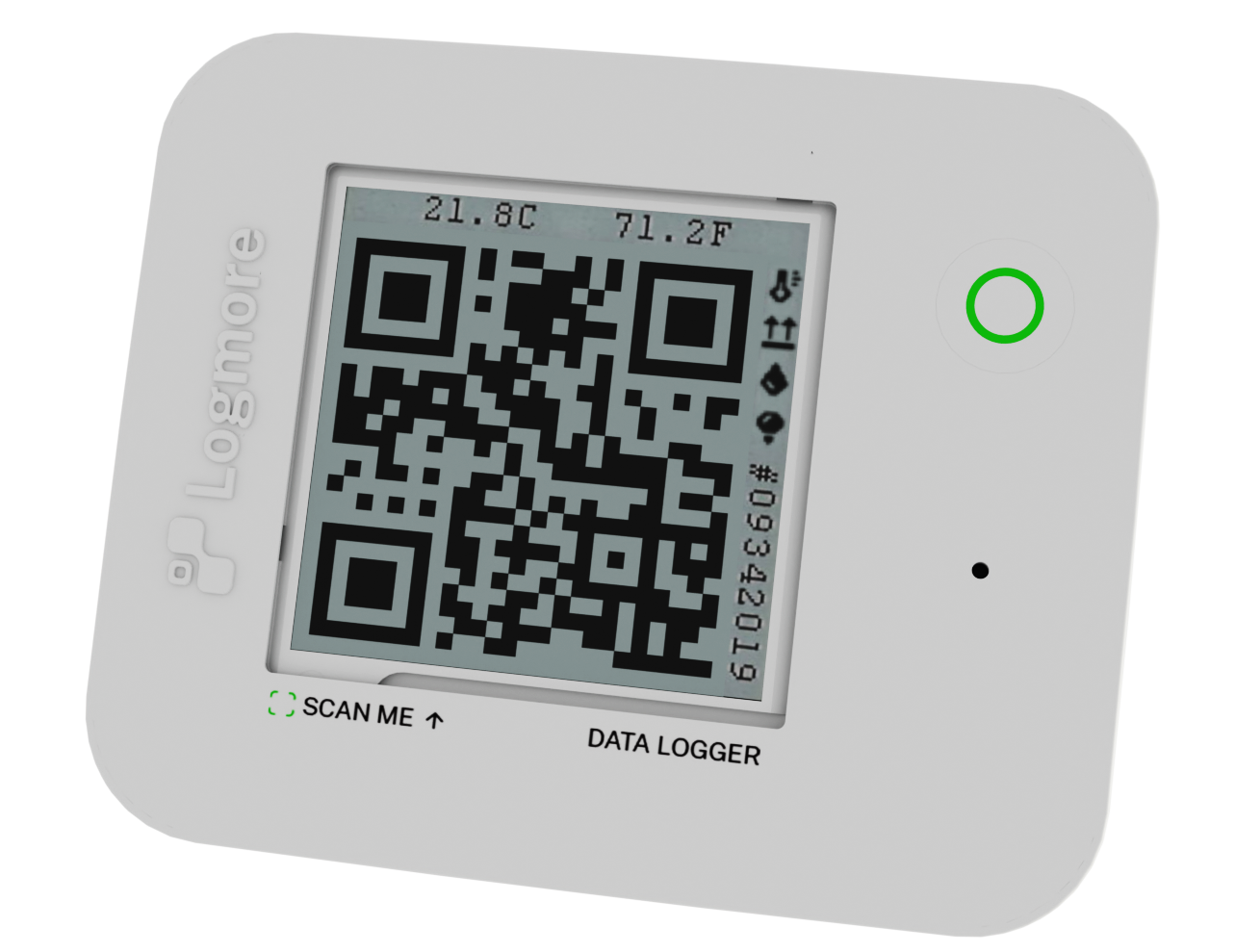
Keep track of logger availability, configuration, and usage so teams can deploy the right devices for every shipment.
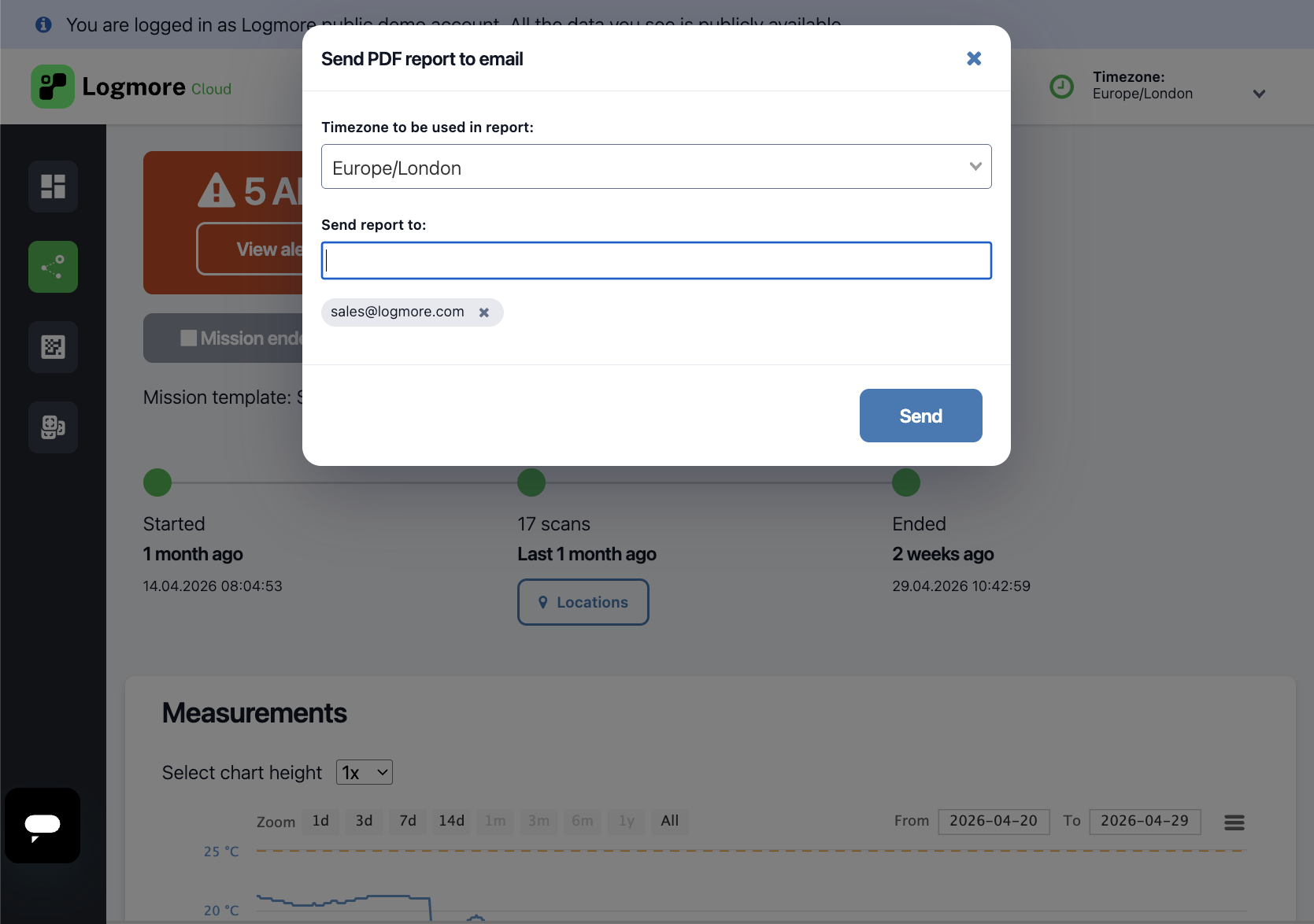
Make shipment evidence easy to distribute while keeping access, collaboration, and follow-up actions under control.
Quick answers for reviewing Logmore Cloud data, alerts, exports, and compliance fit.
Shipment reports are available online in Logmore Cloud with visual graphs, shipment status, scan outcomes, comments, certificates, and related documentation. Teams can export reports and data as PDF, Excel, or CSV files, share evidence with stakeholders, or connect reporting workflows through the API.
Yes. Teams can set shipment-specific rules, thresholds, and alerts so deviations are visible quickly. Alerts can appear through email, SMS, and the post-scan view, helping quality and logistics teams react without waiting for manual report review.
Yes. Logmore Cloud supports access management for teams that need different people to review, manage, or share shipment evidence. Permissions help control visibility for internal users, external stakeholders, and customer-specific workflows.
Yes. Logmore Cloud can be used on its own, and Logmore also offers REST API and lighter integration options when shipment monitoring needs to connect with ERP, WMS, TMS, quality, control tower, or customer systems.
Logmore Cloud is designed for secure condition data handling with encrypted connections, permission management, edit logs, audit-ready records, and EU cloud data residency. The platform supports regulated workflows including GDP, 21 CFR Part 11, and GMP Annex 11 requirements.
Talk with Logmore about Cloud reporting, dashboards, compliance workflows, and integrations for your shipment monitoring process.