Overview
QR-based shipment monitoring
Scan data into Logmore Cloud with a phone
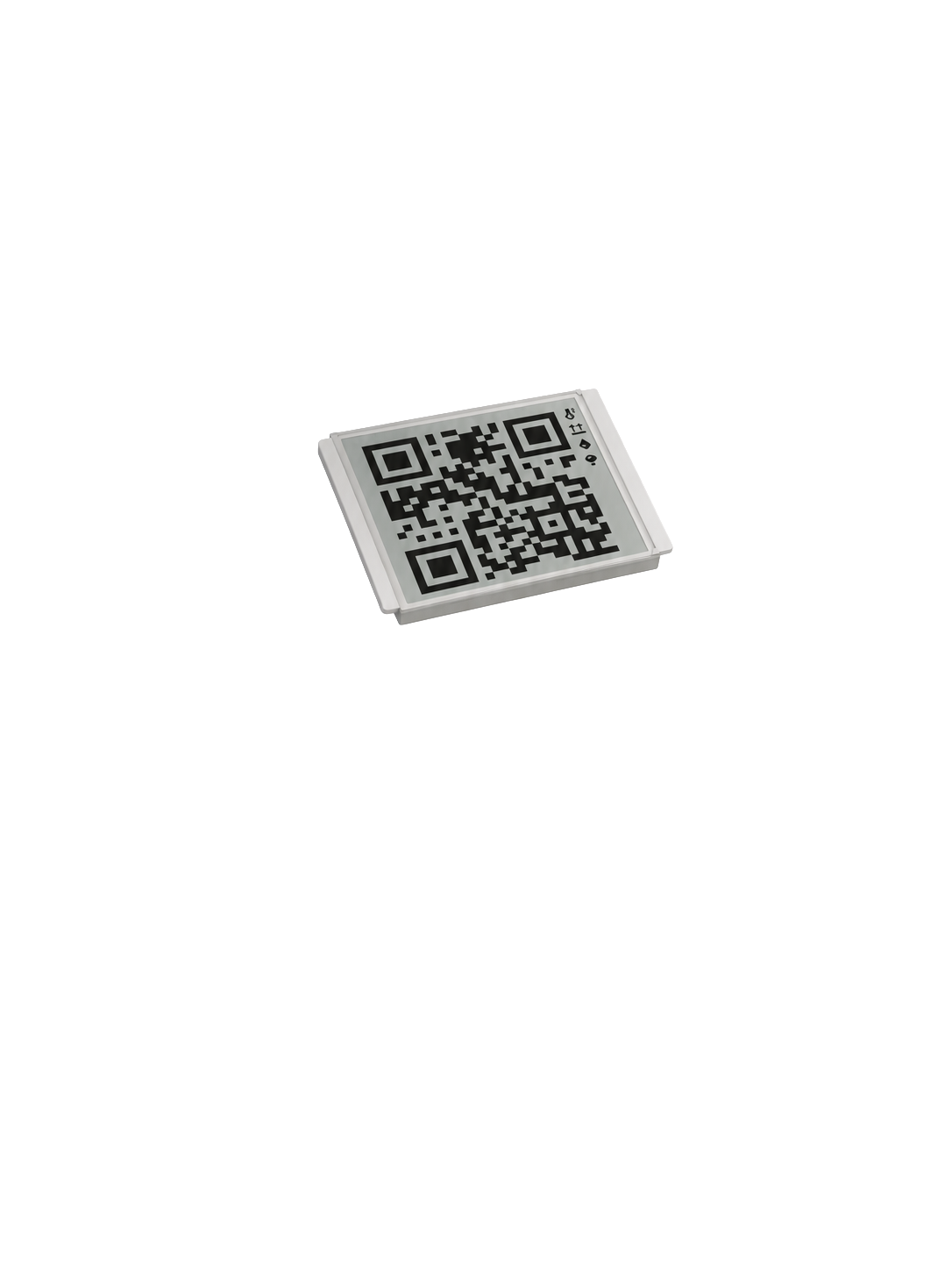
- Dynamic QR code uploads data without dedicated reader hardware
- Temperature thresholds and alarm profiles are managed in Logmore Cloud
Logmore QR data loggers collect temperature and shipment condition data in transit, then upload it to Logmore Cloud through a simple phone scan.
Choose the sensor mix for your shipments, attach the logger to the shipment, and let each scan upload evidence and reports for quality and logistics teams. All variants are powered by tiny coin cell batteries, so no DGR labeling is needed when shipping.
Overview
Scan data into Logmore Cloud with a phone
Sensors
Track temperature, humidity, shocks, light, and scan location
Security
Encrypted retrieval, access controls, and audit-ready records
Extreme Temperatures
External probe models support dry ice and -100°C monitoring
The logger travels with the shipment, the receiver scans the QR code, and Logmore Cloud turns the measurements into reports and decisions.
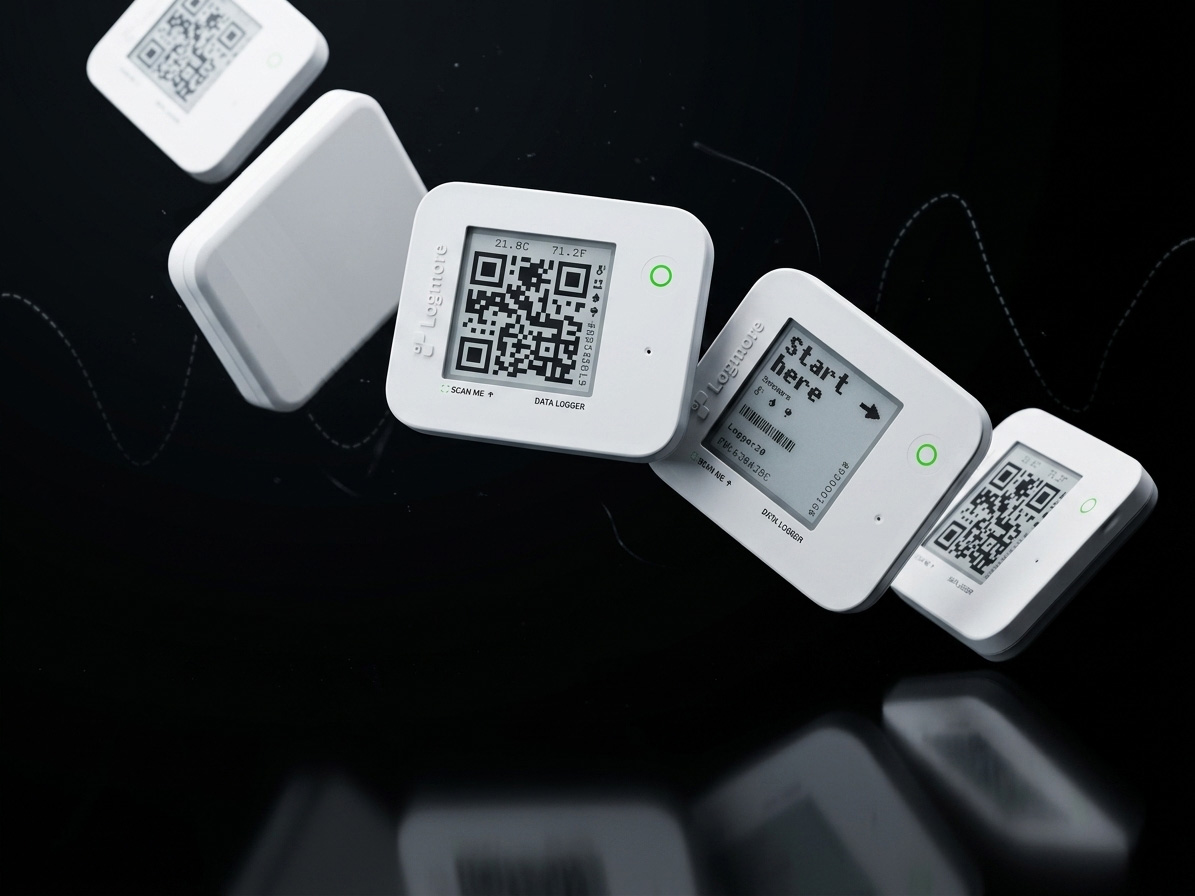
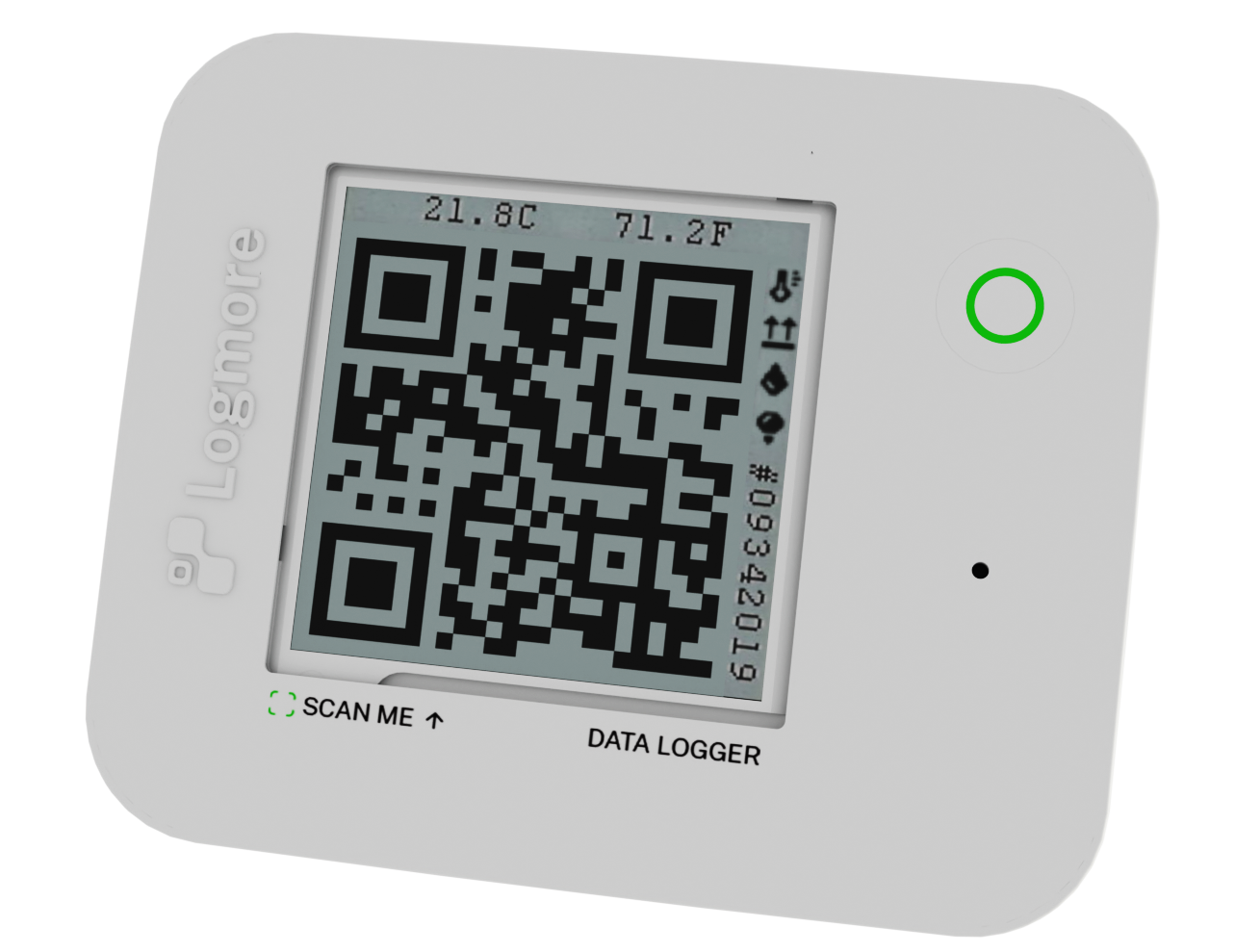
Sender attaches the QR data logger to the shipment and starts recording the product conditions that matter during storage or transport.
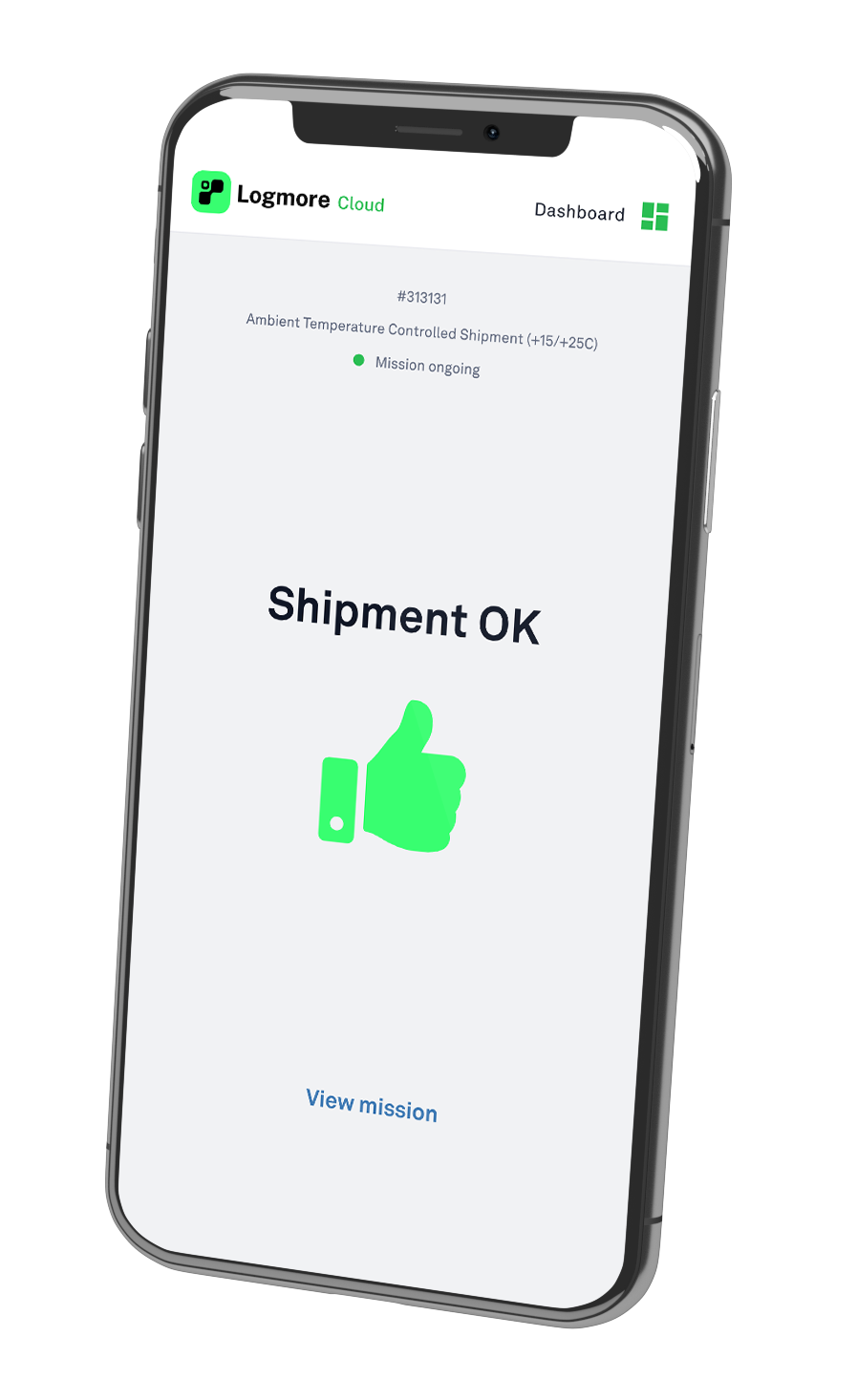
When the receiver scans the QR code with a smartphone, the trip record opens instantly with no app or account needed.
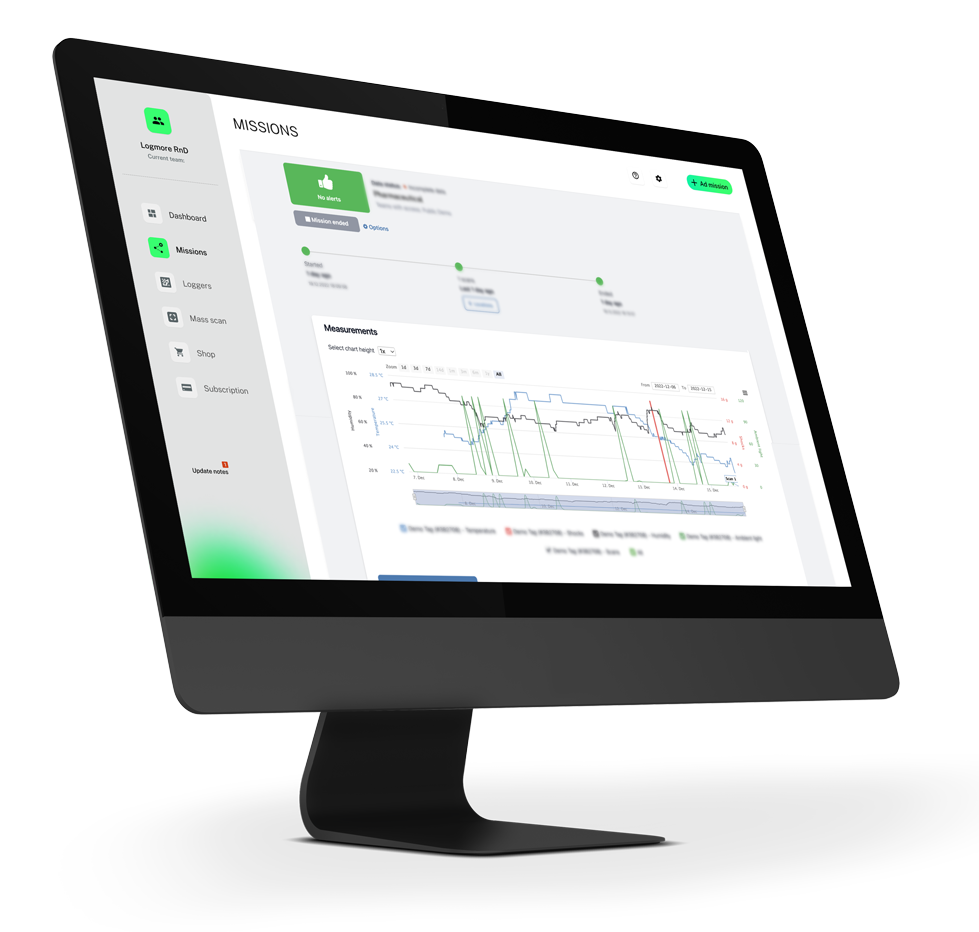
The owner can read the data, assess shipment status, and use Logmore Cloud for reporting, follow-up, and broader supply chain visibility.
Compare the lineup by use case first, then open a model for operating range, captured data, enclosure, and probe details.
Single-use / M103
Single-use temperature monitoring
View model detailsStandard
Temperature monitoring
View model detailsStandard
Temperature and humidity
View model detailsStandard
Multi-condition shipments
View model detailsDry ice
Dry ice lanes
View model detailsDry ice
Deep-cold temperature
View model detailsDry ice
High-risk deep-cold shipments
View model detailsBest for Single-use temperature monitoring
Sensors Temperature
Range -30°C to +60°C measurement
Best for Temperature monitoring
Sensors Temperature, Scan location, Ambient light**
Range Internal temperature: -30°C to +60°C
Best for Temperature and humidity
Sensors Temperature, Humidity, Scan location, Ambient light**
Range Internal temperature: -30°C to +60°C
Best for Multi-condition shipments
Sensors Temperature, Humidity, Shocks, Ambient light*
Range Internal temperature: -30°C to +60°C
Best for Dry ice lanes
Sensors External temperature probe, Temperature, Scan location, Ambient light**
Range External probe: -100°C to +100°C
Best for Deep-cold temperature
Sensors External temperature probe, Temperature, Ambient light*
Range External probe: -100°C to +100°C
Best for High-risk deep-cold shipments
Sensors External temperature probe, Temperature, Shocks, Humidity, Ambient light*
Range External probe: -100°C to +100°C
*Battery life varies by sensor configuration and interval. **Ambient light appears on request for supported models.
Instead of listing raw specifications only, this section tackles the practical questions teams usually ask when they evaluate QR data loggers for real shipment workflows.
Depending on the model, Logmore data loggers can measure temperature, humidity, shocks, ambient light, scan location, and external probe temperature for dry ice or deep-cold shipments. The model range starts with single-use temperature monitoring and extends to multi-condition shipment monitoring.
Recording is managed through the Logmore workflow for the shipment. Teams configure the mission, attach the logger, and start monitoring before dispatch; the mission can then be ended in Logmore Cloud, through an API workflow, or according to the receiving process used by the customer.
Scan the Dynamic QR code with a smartphone. The scan uploads the logger record to Logmore Cloud, where teams can review graphs, shipment status, alerts, reports, certificates, and exportable evidence without USB readers or dedicated field hardware.
Accuracy depends on the logger model, sensor, and calibration setup. Logger 1 uses a 3-point calibrated internal temperature sensor with typical accuracy of ±0.3°C and maximum error of ±0.4°C. Calibration certificates are available from Logmore Cloud when documentation is needed.
Battery life varies by model, sensor configuration, and measuring interval. Logger 1 typically runs for 4 months with a 1-year shelf life, standard reusable models can run up to 4 years, and external-probe deep-cold models can run up to 2 years.
Both options are available. Logger 1 is a single-use QR data logger for routes where recovery is impractical, while the broader Logmore logger range supports reusable workflows for recurring lanes where the device can be returned and used again.
Try the Logmore workflow online or talk with our sales team about your shipment monitoring needs.