Who controls the receiver?
Bluetooth is easier when one trained team controls every readout location. QR is stronger when external partners upload data.
Comparison / QR vs Bluetooth
QR data loggers let receivers upload shipment data with a phone camera scan. Bluetooth data loggers require an app, pairing, device compatibility, permissions, and training.
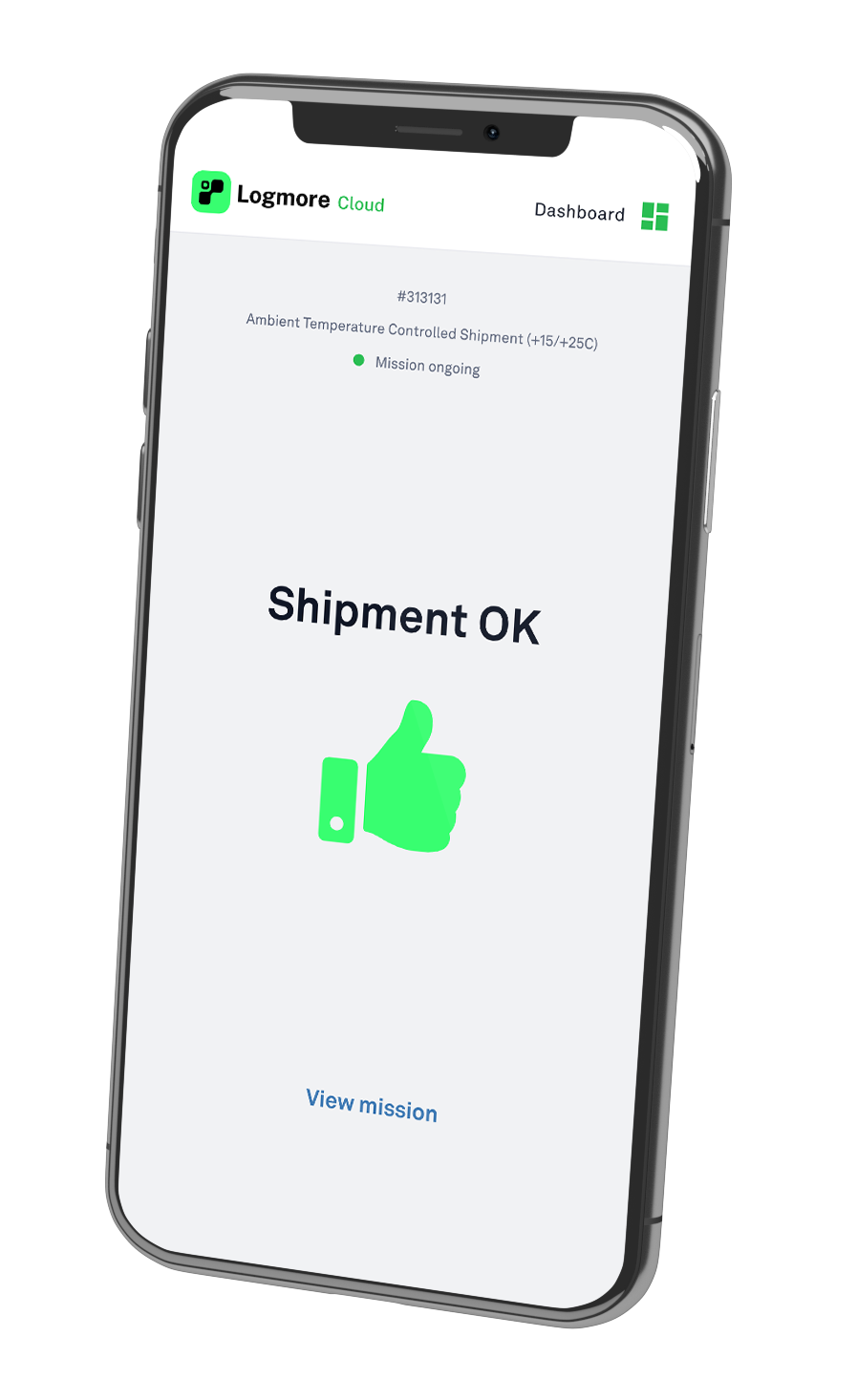
Side-by-side view
The best monitoring choice depends on who uploads the data, how fast evidence is needed, and whether the record must support QA, claims, audits, or partner review.
What to check
Bluetooth is easier when one trained team controls every readout location. QR is stronger when external partners upload data.
If receivers cannot install apps or change phone settings, a QR browser flow reduces friction.
If review happens centrally, cloud upload and shared reports matter more than local app readout.
Receiver model
The readout method should match who controls the phone, app, training, and upload environment.
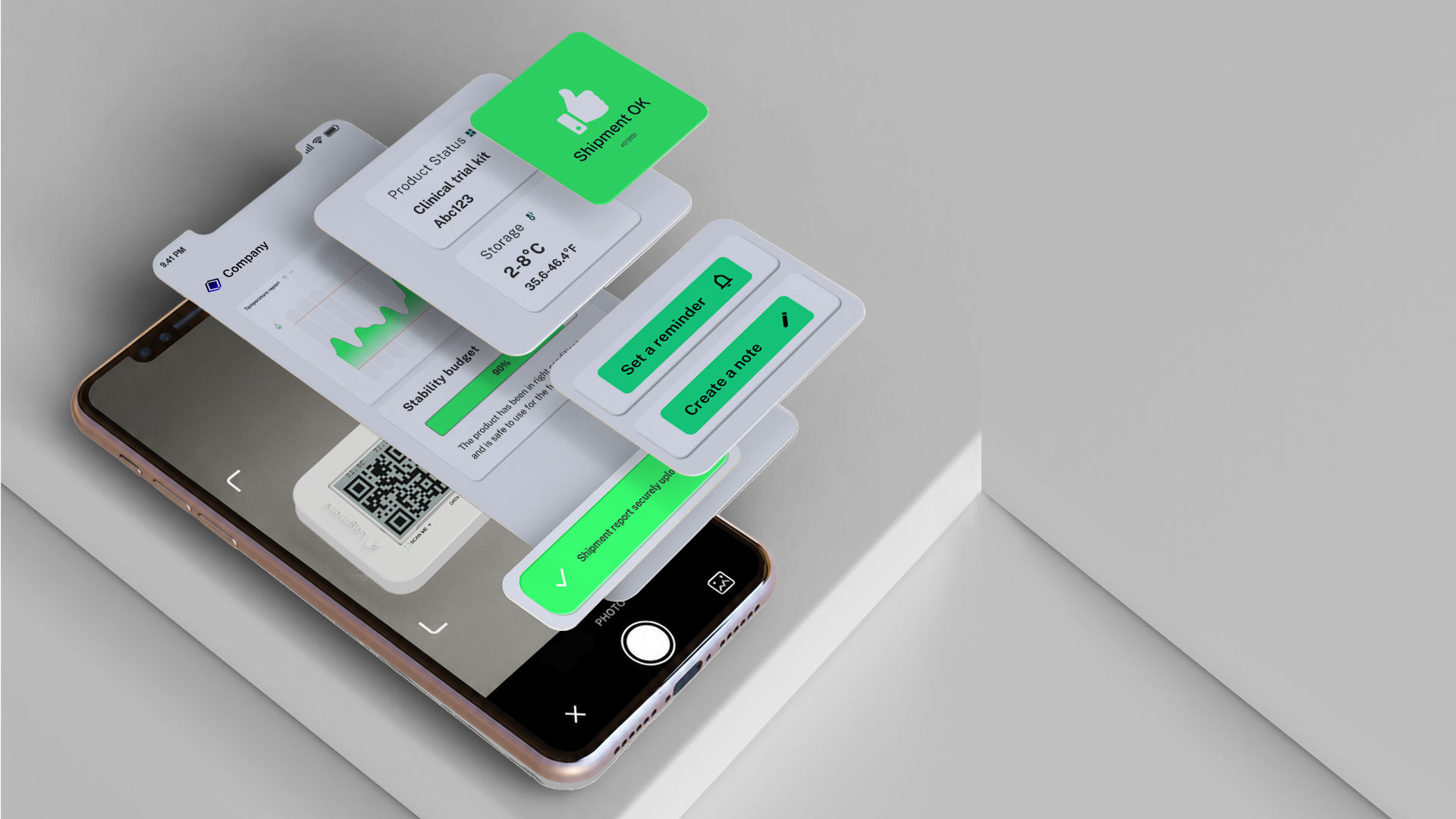
Use QR when customers, depots, clinics, wholesalers, or partners need to upload evidence with minimal setup.
Bluetooth can fit when an internal team controls approved phones, app versions, permissions, and readout training.
Use this to predict support load before rollout.
Best-fit choice
Choose QR when shipment data must be uploaded by many external receivers with minimal setup. Choose Bluetooth when one trained team controls the readout environment and app pairing is not a barrier.
Operational tradeoffs
A trained warehouse or lab team with approved devices can make app-based readout work well.
Many sites, customers, depots, clinics, or partners create too much variation for pairing-heavy workflows.
Migration path
Move the lanes where app installs, pairing, or local readout causes the most delays or missing data.
Decide whether upload happens at dispatch, handoff, cross-dock, receiving, or QA review.
Use Logmore Cloud reports and exports as the shared evidence format across teams and partners.
Product context
Logger models for temperature, humidity, shock, light, and dry ice lanes.
Open pageCloud reports, dashboards, alerts, audit trails, certificates, comments, and exports.
Open pageConnect mission data to quality, logistics, WMS, TMS, and control-tower systems.
Open pageIndustry overview for regulated pharma, life science, vaccine, sample, and clinical trial shipments.
Open pageExample of reducing manual QA work with automated temperature analysis.
Open pageFAQ
For distributed shipment receiving, yes. QR upload avoids Bluetooth pairing, app installation, and device permission issues for upload users.
QR data loggers record during the journey and upload data when scanned. They are not the same as continuous real-time trackers.
Bluetooth fits when a trained internal team manages readout with approved devices and app workflows.
Yes. Scanned data is uploaded to Logmore Cloud for reports, dashboards, alerts, certificates, and exports.
No. QR upload avoids Bluetooth pairing and Bluetooth permission handling for upload users.
Yes, but teams should avoid splitting QA evidence across too many incompatible reporting workflows.
Related pages
Review who uploads data, where reports are reviewed, and where app installation or pairing creates friction.