01
Ship
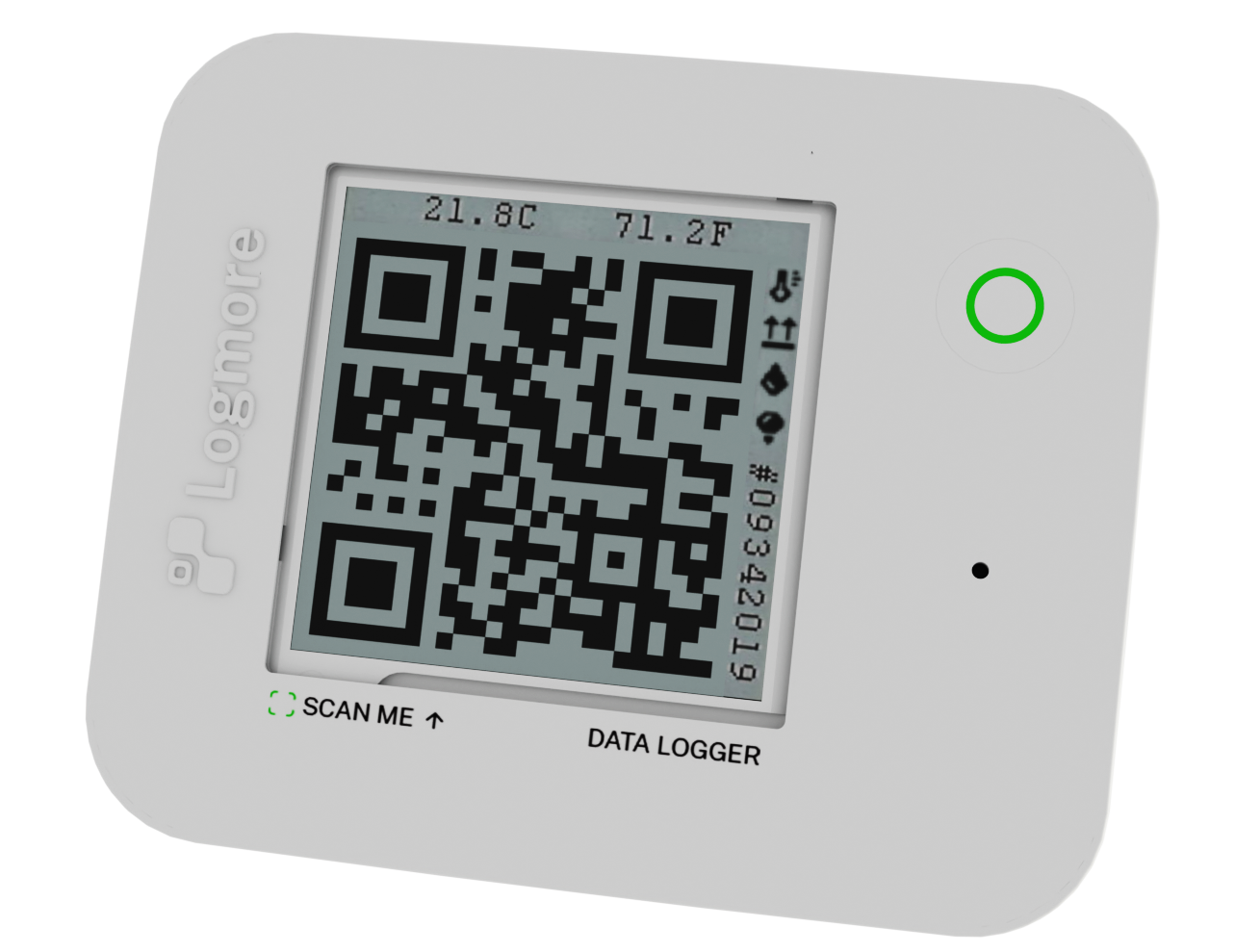
Attach the QR logger and ship as usual.
Logmore is a direct digital replacement for USB logger readout. Keep your shipment process, scan at receiving, and get cloud-based shipment reports.
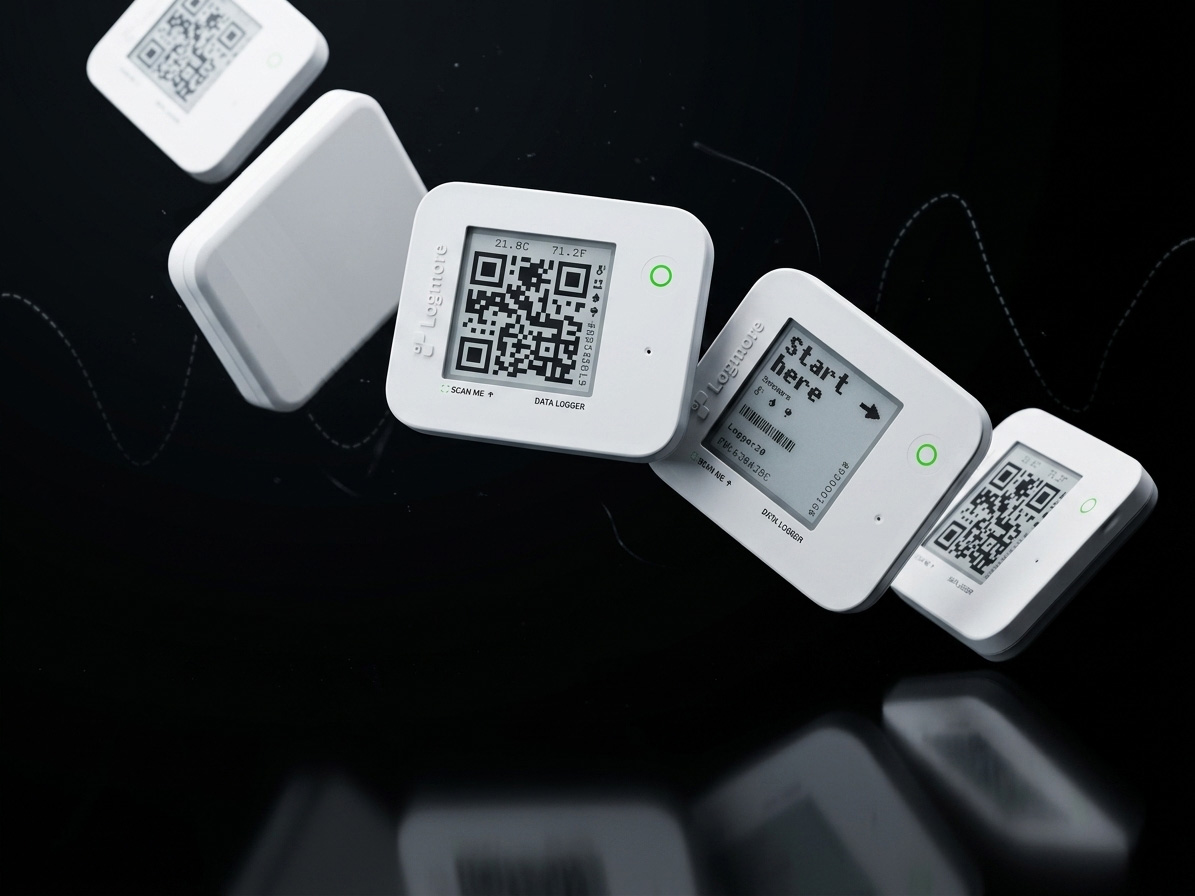
Used across demanding logistics, life-science, food, and cold-chain workflows.





Comparison
USB loggers collect data. Logmore makes sure the data comes back as a cloud report.
USB readout asks receivers to plug shipment devices into computers.
Receivers scan the QR code and data uploads to Logmore Cloud.
Data can be missed when devices are not read or files are not forwarded.
Logmore is built to help teams reach 100% data retrieval across shipment lanes.
USB workflows often end in downloaded PDFs and email chains.
Logmore creates cloud-based shipment reports for QA and logistics.
The shipment lane can work, but the final readout step is manual.
Attach logger, ship, scan at receiving, review the cloud report.
Every site may need computer access, software, cables, and training.
No USB reader, app, login, or dedicated field hardware is needed.
Workflow
The workflow is intentionally simple for the people handling the shipment, while still giving quality and operations teams centralized evidence.
Attach the QR logger and ship as usual.
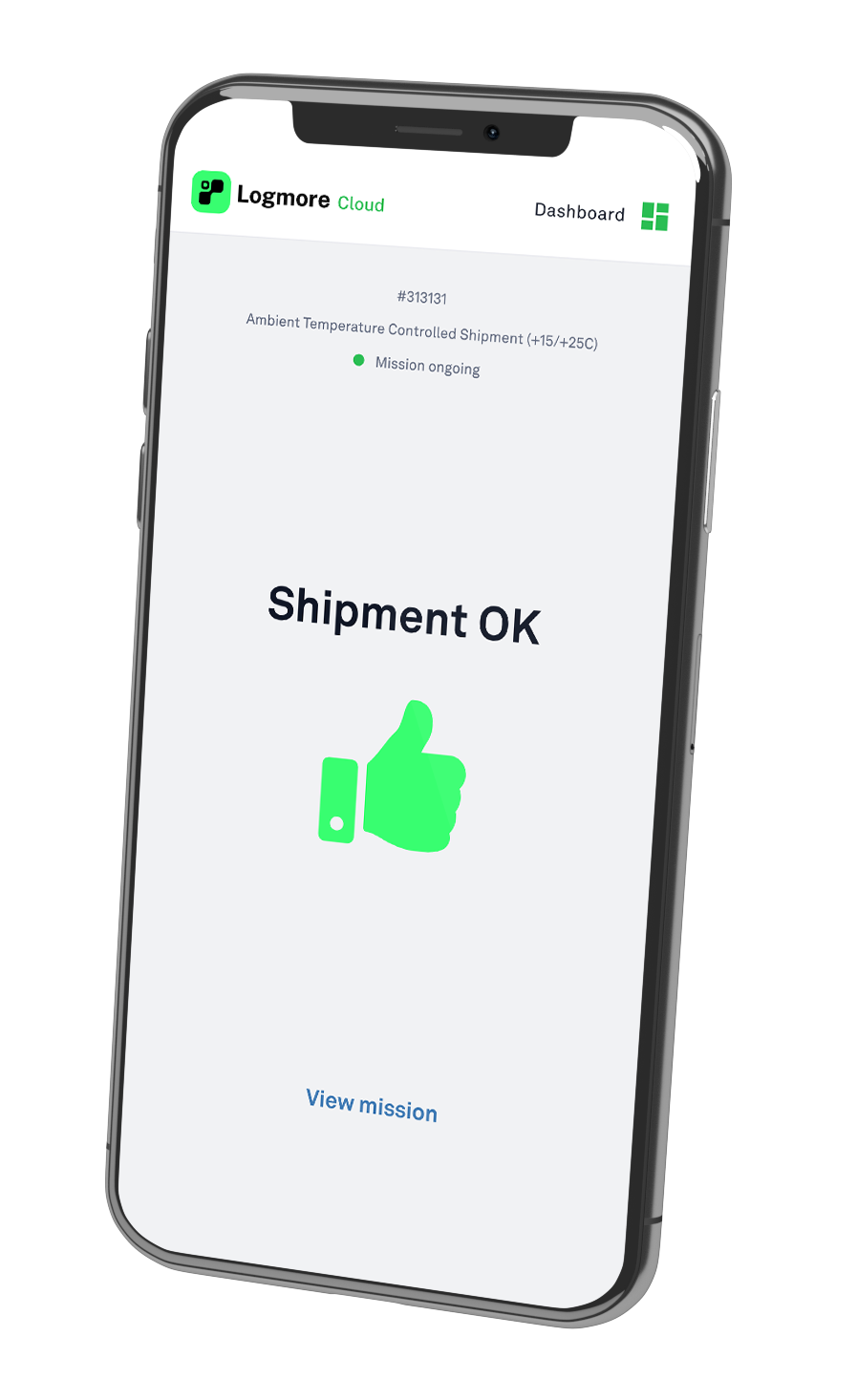
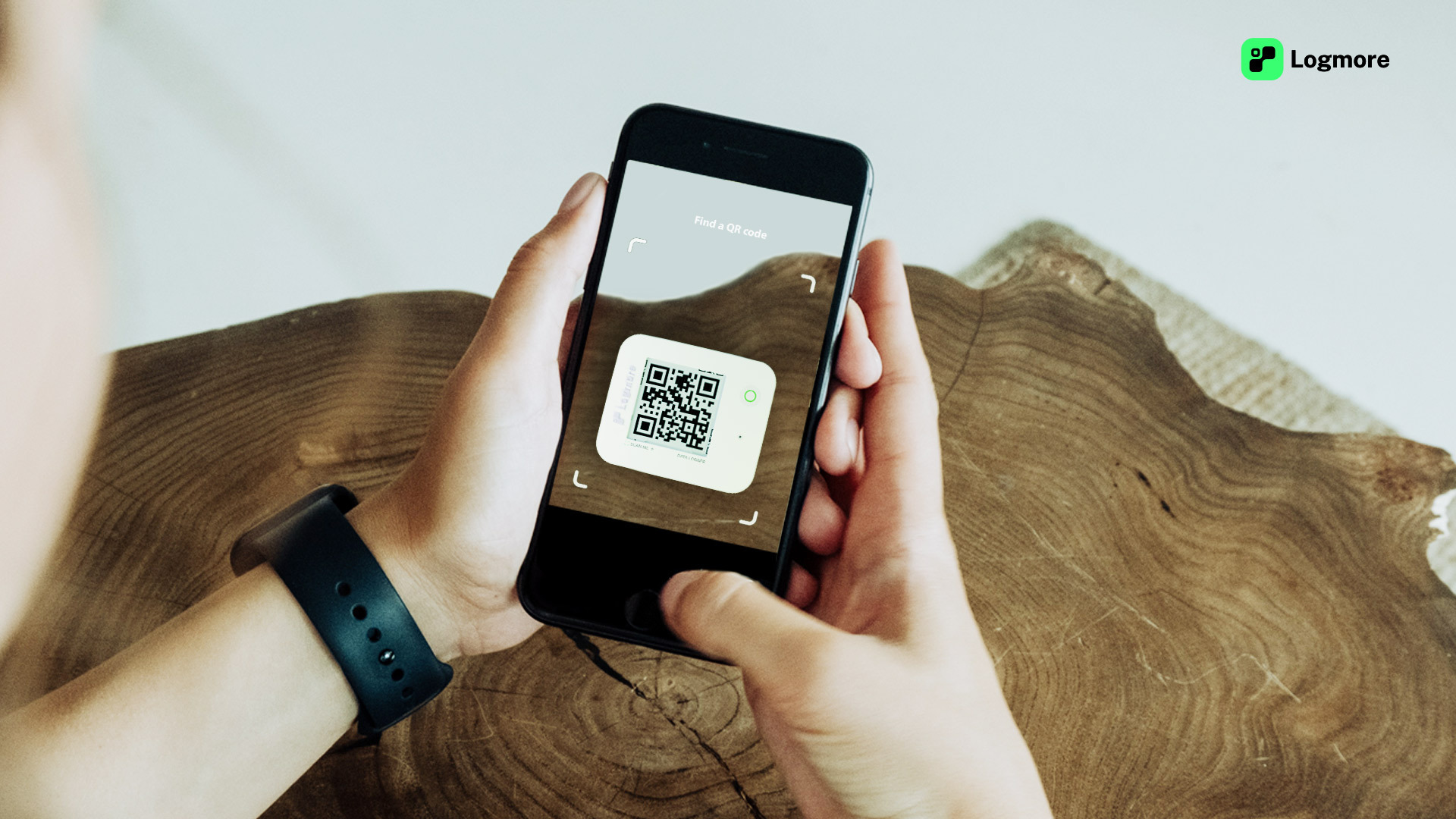
At receiving, scan with a normal phone camera. No USB reader, app, account, or login.
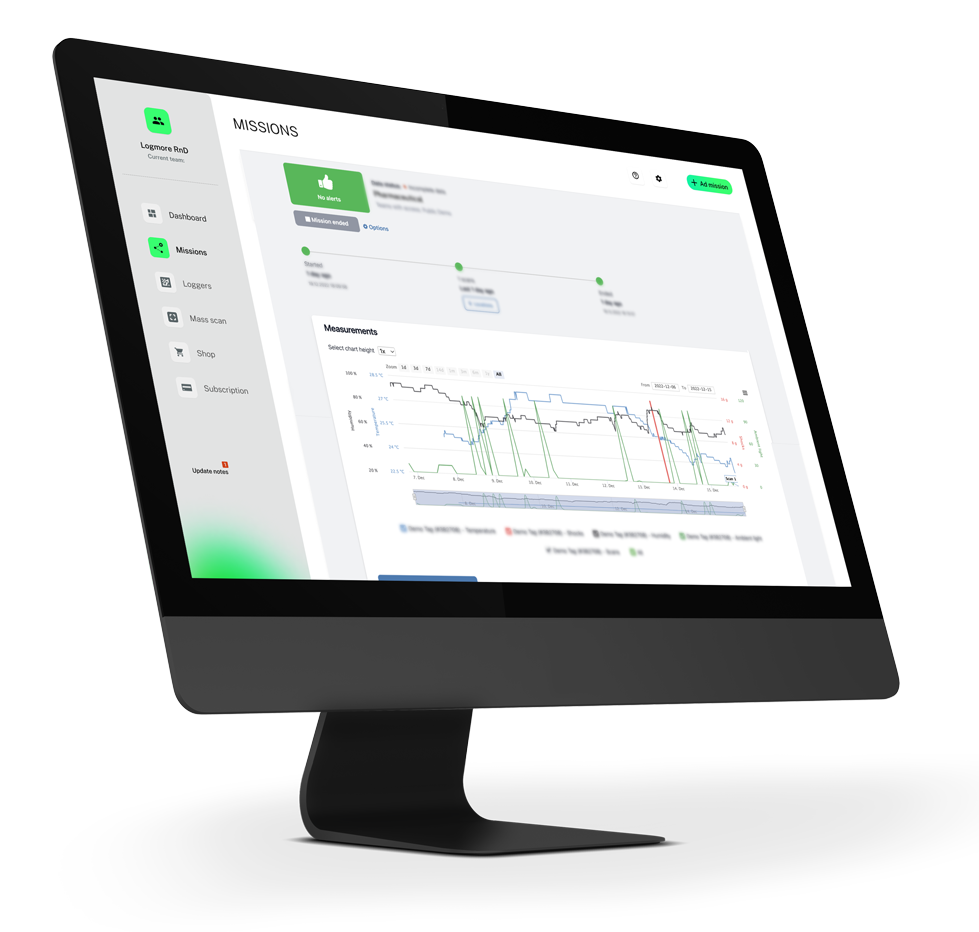
Review the cloud shipment report, alerts, certificates, and exports.
Operational proof
The value is not only the sensor. It is the moment when shipment data reaches the right team quickly enough to support release, claims, route improvement, or customer communication.
Life sciences
The bioMérieux case describes a move away from USB reports exchanged by email toward Logmore Cloud, with quality teams seeing a 25% reduction in workload from automated temperature analysis.
Read the source storyPharma wholesale
Magnum Medical uses QR loggers so recipients can scan shipment data without USB readout.
Read the source storyFood logistics
DHL's public Logmore story describes loggers that monitor temperatures and can be read at any time with a smartphone camera, without infrastructure investment or heavy manual work.
Read the source storyImplementation proof
The cleanest rollout starts with lanes where USB readout, local PDFs, or email forwarding already create delays.
Read the source storyPricing and TCO
The business case is not only device price. It is the total cost of getting every shipment report back, reviewed, shared, and ready for QA or customer evidence.
Compare cost per usable report, not only cost per logger. USB workflows add computer access, software handling, report naming, storage, and follow-up.
When receivers do not send PDFs back, QA spends time chasing files or reviewing incomplete shipment evidence.
QR upload removes USB readers, cables, local software, app installs, and receiver accounts from the upload step.
Use single-use QR loggers where recovery fails and reusable models where return loops are controlled.
Reports, certificates, comments, exports, and audit context stay connected instead of being rebuilt from scattered files.
Start with one painful lane, confirm report return and QA review, then expand by route type and evidence need.
Technical confidence
Logmore's QR upload path is paired with physical data loggers designed for real shipment monitoring, from single-use temperature lanes to reusable multi-condition workflows.
All Logmore loggers are available with a 3-point calibrated internal temperature sensor, and calibration certificates are available when shipment documentation needs them.
Logmore loggers are available for real shipment handling needs, from IP-protected single-use devices to reusable models for recurring lanes.
Logmore QR logger models can cover temperature, humidity, shocks, ambient light, scan location, and external probe temperature for deep-cold shipments.
Use Logger 1 for routes where recovery is impractical, or reusable Logger 10-60 models for recurring lanes and broader condition monitoring.
External-probe models support dry ice and deep-cold monitoring needs, including simultaneous internal and external temperature context.
The upload path is QR-based, so receivers do not need USB readers or computer readout.
Comparison guides
These pages help teams compare traditional logger readout, PDF report handling, receiver software requirements, and brand-alternative workflows before changing lanes.
Comparison
Compare plug-in USB readout with QR scan upload and cloud shipment reports.
Open guideSolution
Use logger upload without receiver apps, local software, or USB readers.
Open guideComparison
Move from local PDF handling to searchable cloud shipment reports.
Open guideAlternative
Evaluate a cloud-based replacement for traditional USB/PDF logger workflows.
Open guideBuyer FAQ
Yes. Logmore is a direct digital and cloud-based replacement for USB logger readout.
No. Receivers scan with a normal phone camera. No app, account, login, or USB reader.
Accuracy depends on the logger model, sensor, and calibration setup. Logmore loggers are available with 3-point calibrated internal temperature sensors, and Logger 1 has typical accuracy of +/-0.3 C and maximum error of +/-0.4 C.
No. Logmore is a strong fit for pharma, food, industrial goods, chemicals, batteries, and other quality-sensitive logistics flows where teams need condition evidence without adding receiver-side hardware.
Logmore Cloud supports audit-ready shipment records, reports, calibration certificates, access controls, and workflows used by regulated teams. Final compliance depends on the customer's process and validation requirements.
Start with lanes where USB reports are delayed or missing. Keep the shipment process, replace the readout step.
Include logger cost, reader hardware, software handling, receiver training, report-chasing time, missing evidence, return logistics, and QA review effort.
Pilot one high-friction lane, define report fields and certificate needs, train receivers to scan, then compare report return and QA workload against the USB process.
Yes. Logmore can keep Cloud as the source record while PDF exports remain available for customers, audits, or internal systems.
Talk to sales
Tell us what you monitor today and where USB readout creates friction. A Logmore specialist can help map the right QR logger model and workflow.