Is the PDF the only record?
PDFs are useful exports, but weak as the only source of shipment evidence.
Comparison / PDF vs cloud report
PDF temperature reports are useful exports, but they become brittle when they are the whole evidence workflow. Cloud temperature reports keep shipment data, certificates, comments, scan events, and exports connected to one record.
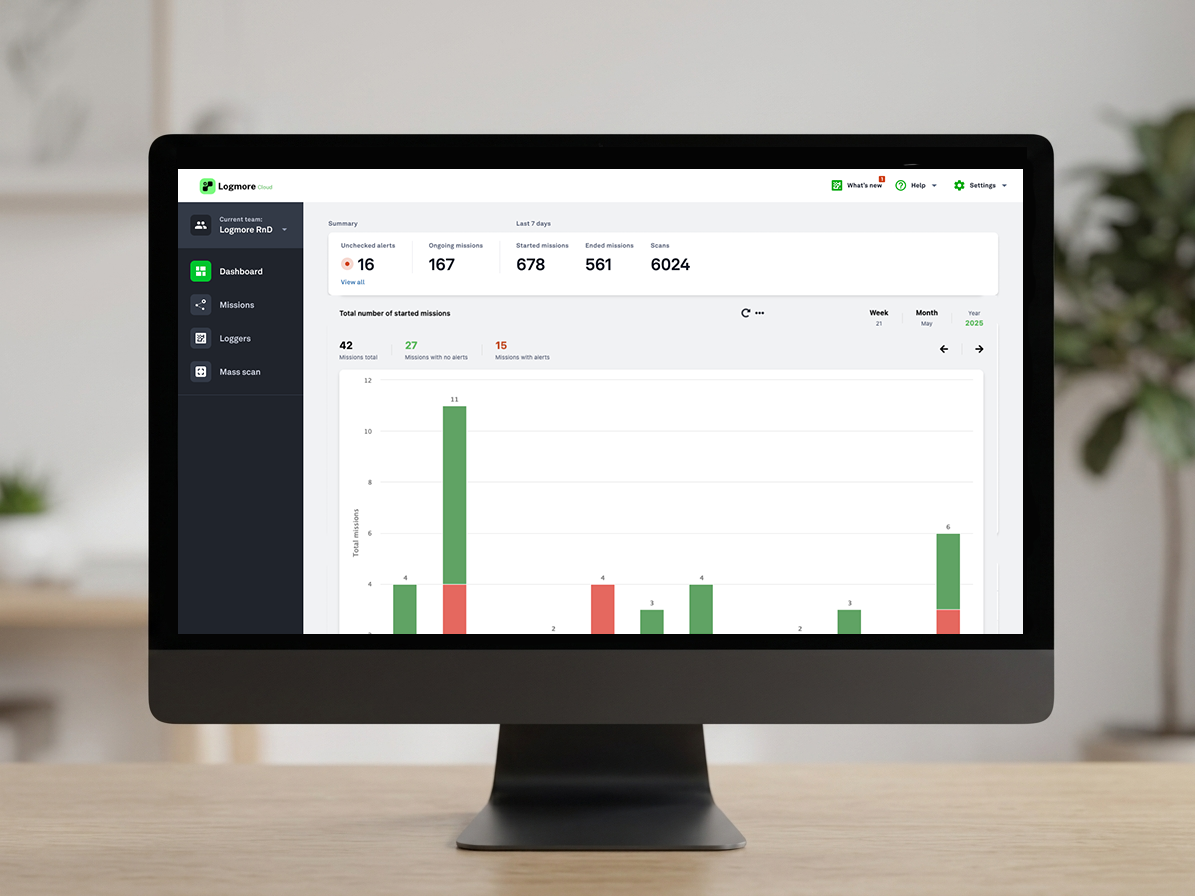
Side-by-side view
The best monitoring choice depends on who uploads the data, how fast evidence is needed, and whether the record must support QA, claims, audits, or partner review.
What to check
PDFs are useful exports, but weak as the only source of shipment evidence.
If QA waits for emails or device readout, cloud upload can reduce report delay.
Cloud reporting is stronger when QA, logistics, customers, and partners need shared evidence.
Record model
A PDF report can still be useful for sharing, audits, or attachments. The source evidence should stay connected to the mission record.
The report becomes a detached file after download, renaming, folder storage, or email forwarding.
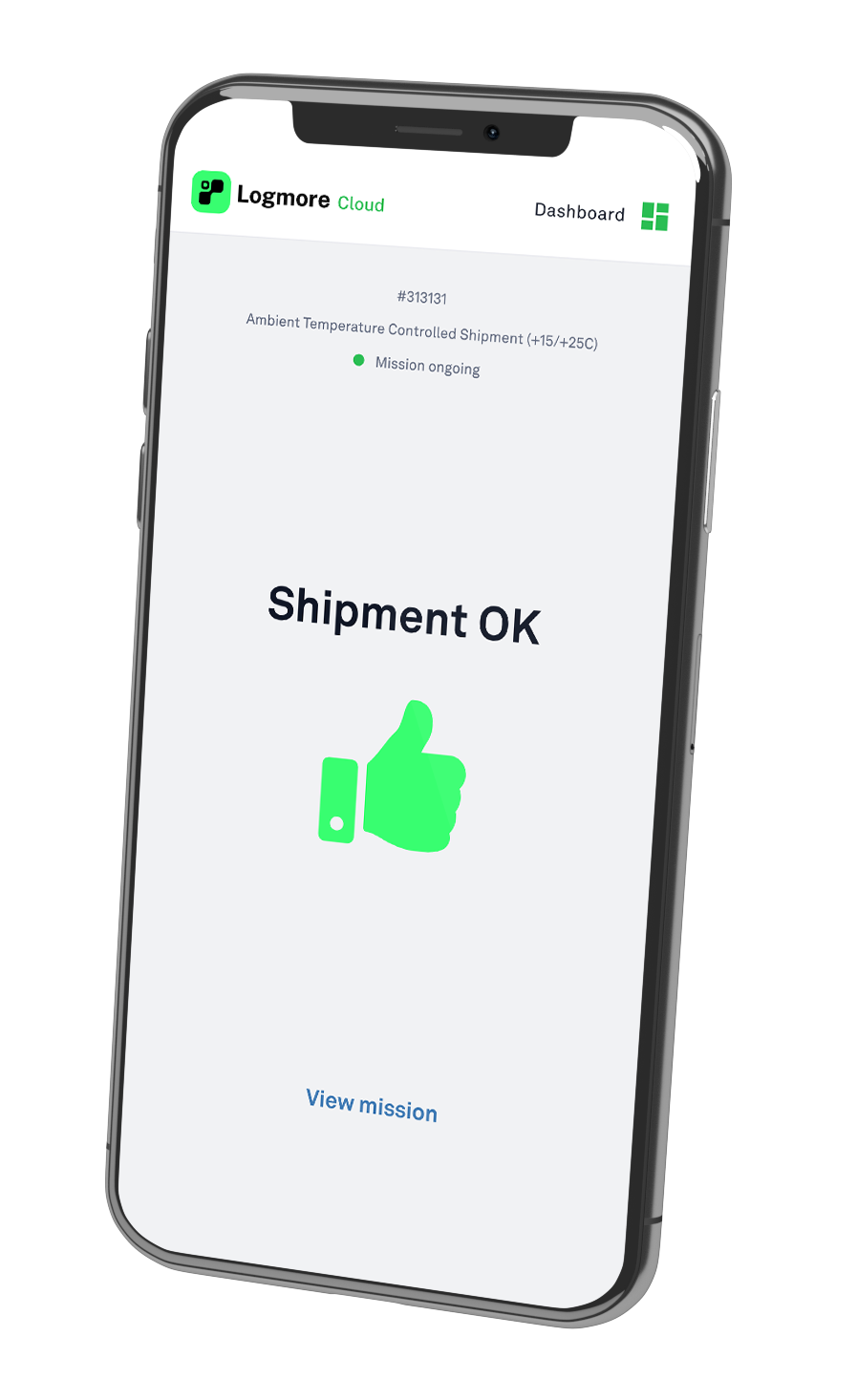
The report stays connected to the mission, scan events, certificates, comments, users, exports, and audit context.
Use PDF as the controlled output when needed, but keep the review history and source context in Cloud.
Best-fit choice
Use PDFs as exports, not as the whole system of record. Use Logmore Cloud when temperature evidence must be searchable, shareable, auditable, and useful across teams.
Operational tradeoffs
Customers, audits, and quality systems may still need PDF exports for documentation or attachment.
Keeping the source evidence in cloud records helps teams avoid scattered, renamed, or duplicated files.
Migration path
List where USB files are downloaded, emailed, delayed, or missed.
Use the same shipment process, but replace plug-in readout with QR scan upload.
Define the report, thresholds, certificates, comments, and QA review fields.
Use single-use, reusable, or probe QR loggers by lane need.
Product context
Replace USB readout with scan-to-cloud shipment reports.
Open pageLogger models for temperature, humidity, shock, light, and dry ice lanes.
Open pageCloud reports, dashboards, alerts, audit trails, certificates, comments, and exports.
Open pageConnect mission data to quality, logistics, WMS, TMS, and control-tower systems.
Open pageIndustry overview for regulated pharma, life science, vaccine, sample, and clinical trial shipments.
Open pageExample of reducing manual QA work with automated temperature analysis.
Open pageExample of QR-based shipment status checks for pharmaceutical distribution.
Open pageFAQ
No. PDFs are useful exports. The risk is using disconnected PDFs as the entire system of record.
Yes. Logmore Cloud can export reports while keeping the source evidence connected to the mission record.
Cloud reports keep mission data, thresholds, certificates, comments, scan events, exports, and audit context together.
They can support audit-ready workflows, but audit readiness depends on the customer's quality system, validation plan, and SOPs.
Yes, many teams replace USB PDF handling with QR upload and Logmore Cloud reports.
Keep PDFs as controlled exports where customers, audits, or internal systems require them.
Related pages
Review report flow, certificates, comments, audit trail needs, exports, and QA review speed.