FAQ
Food distribution monitoring questions
Short answers for teams comparing cold chain temperature monitoring, food safety, lane performance, claims, and customer acceptance.
Can it support cold chain monitoring?
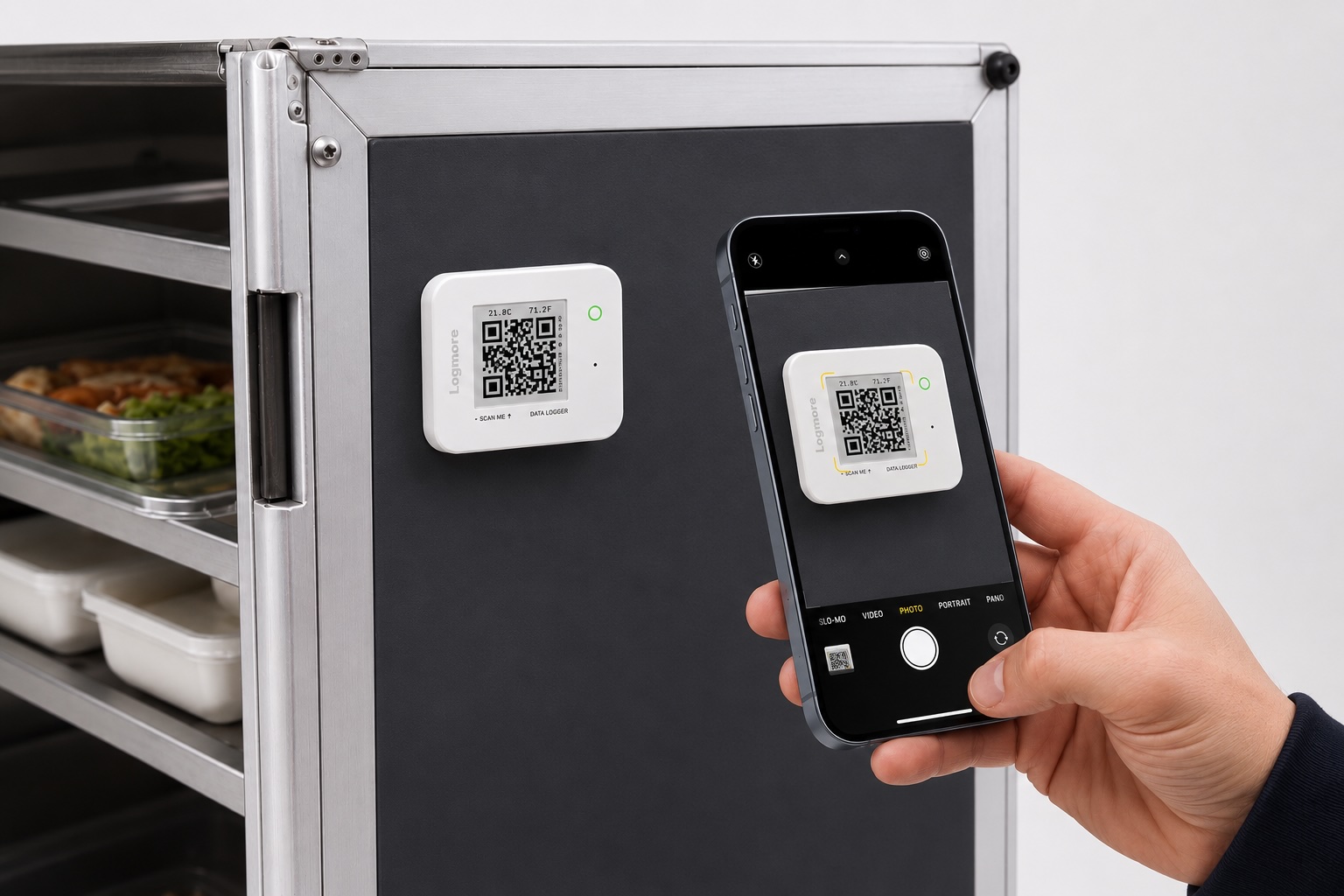
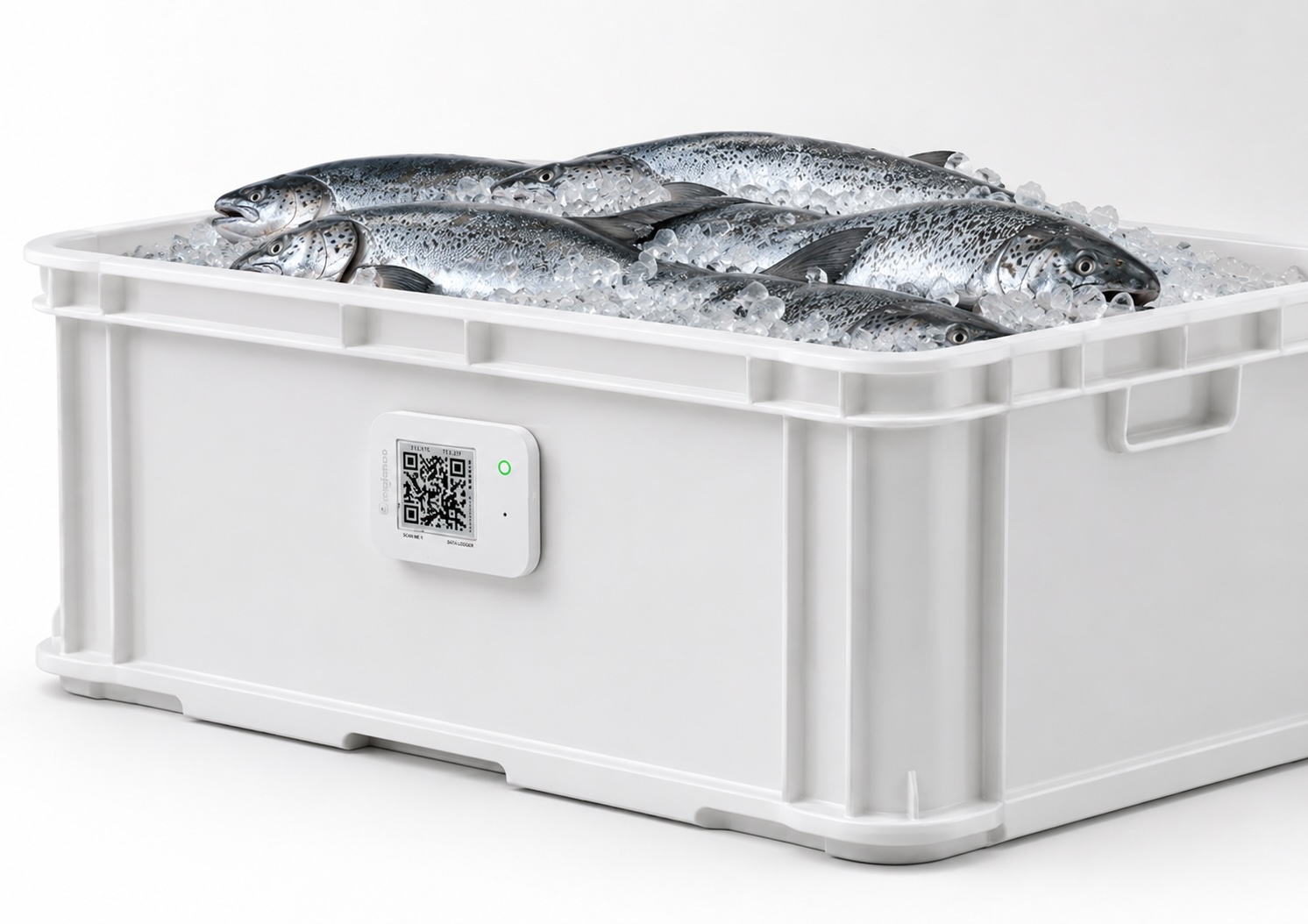
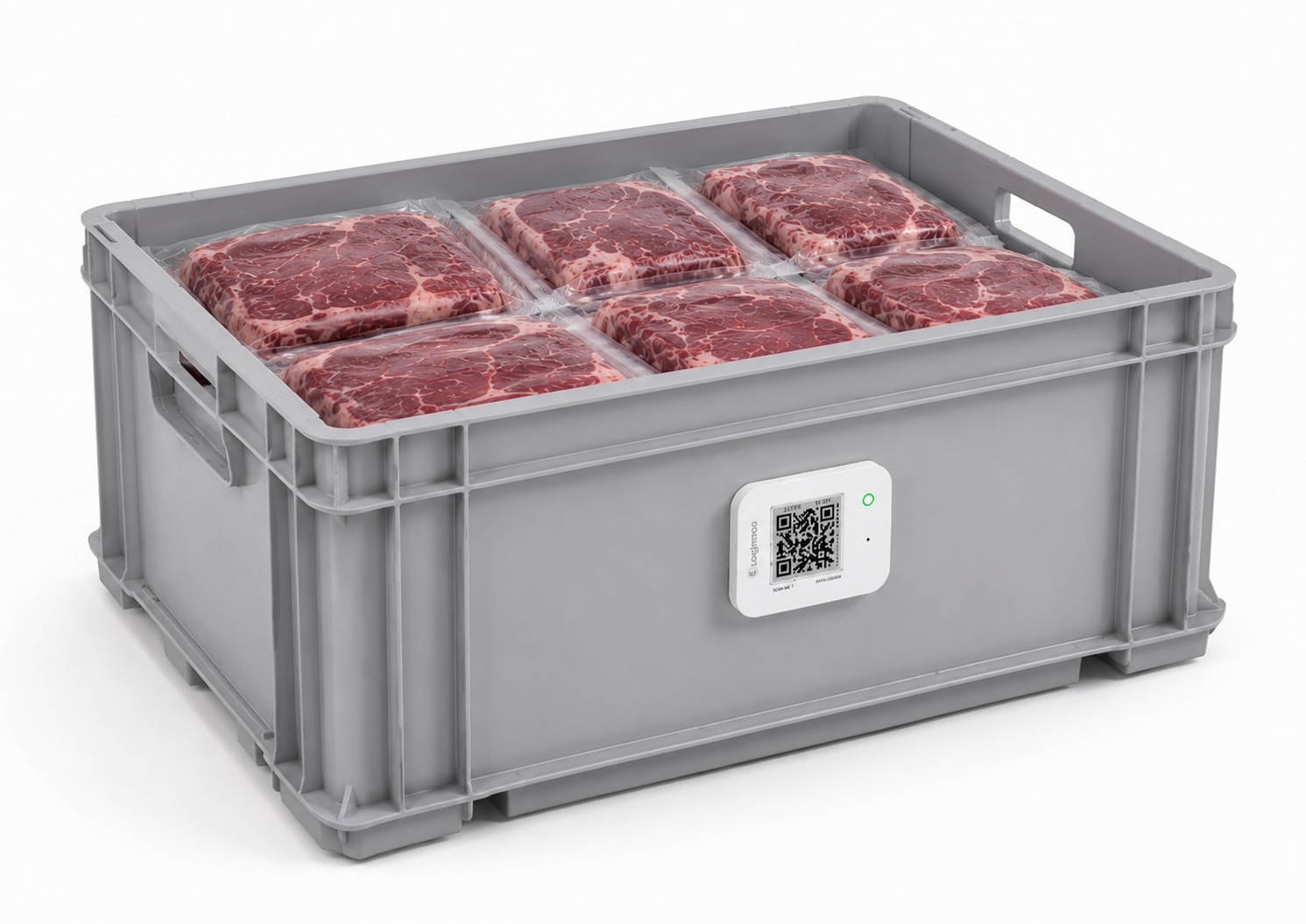
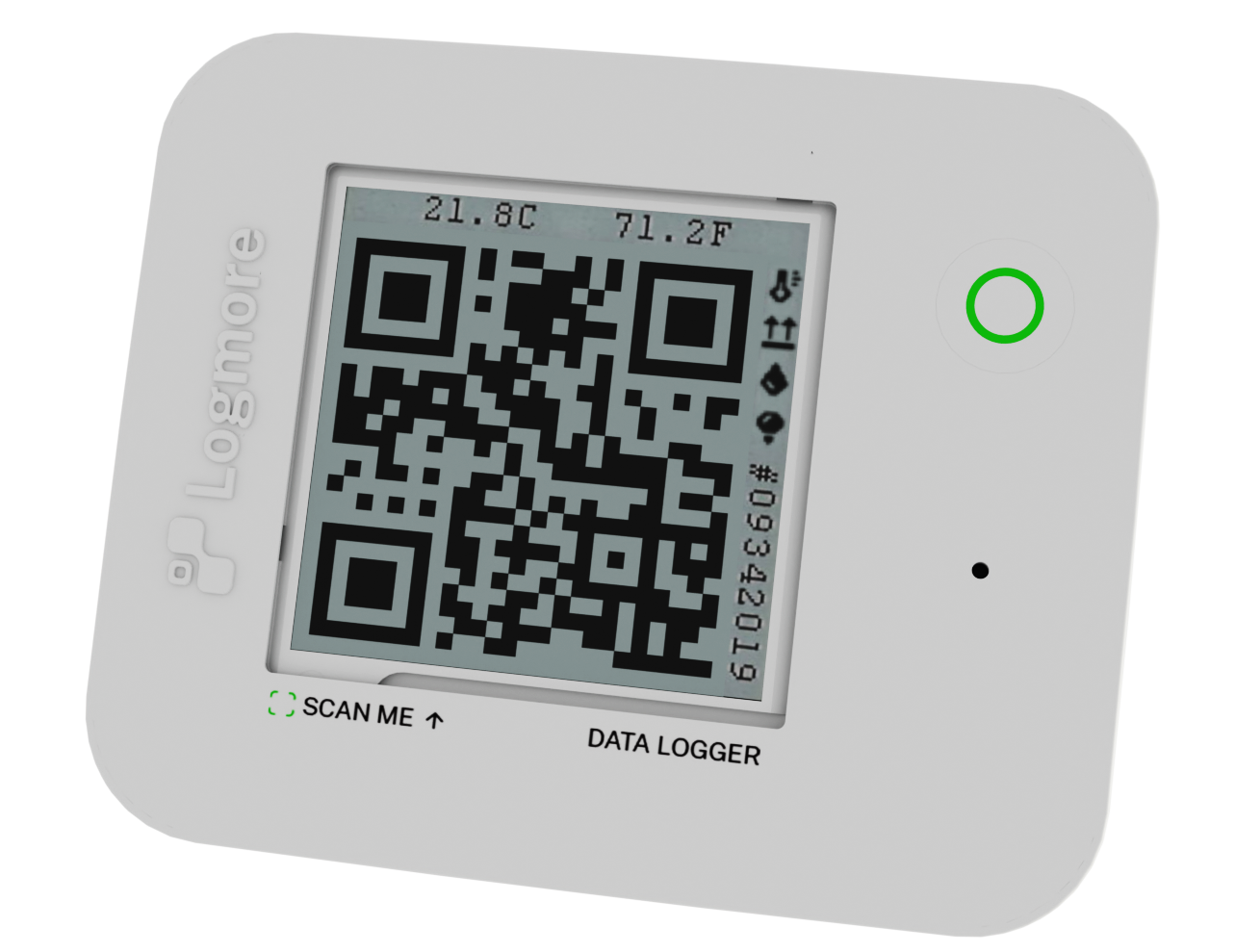
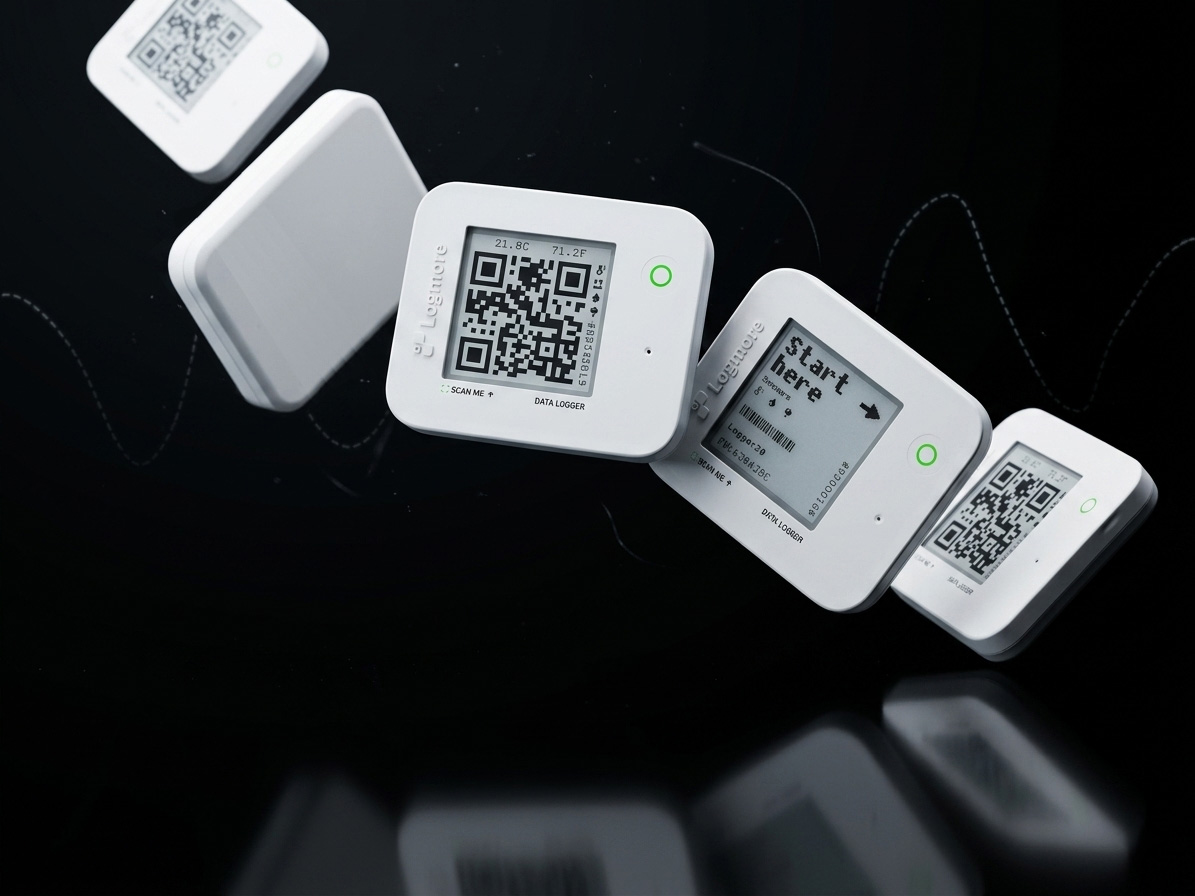
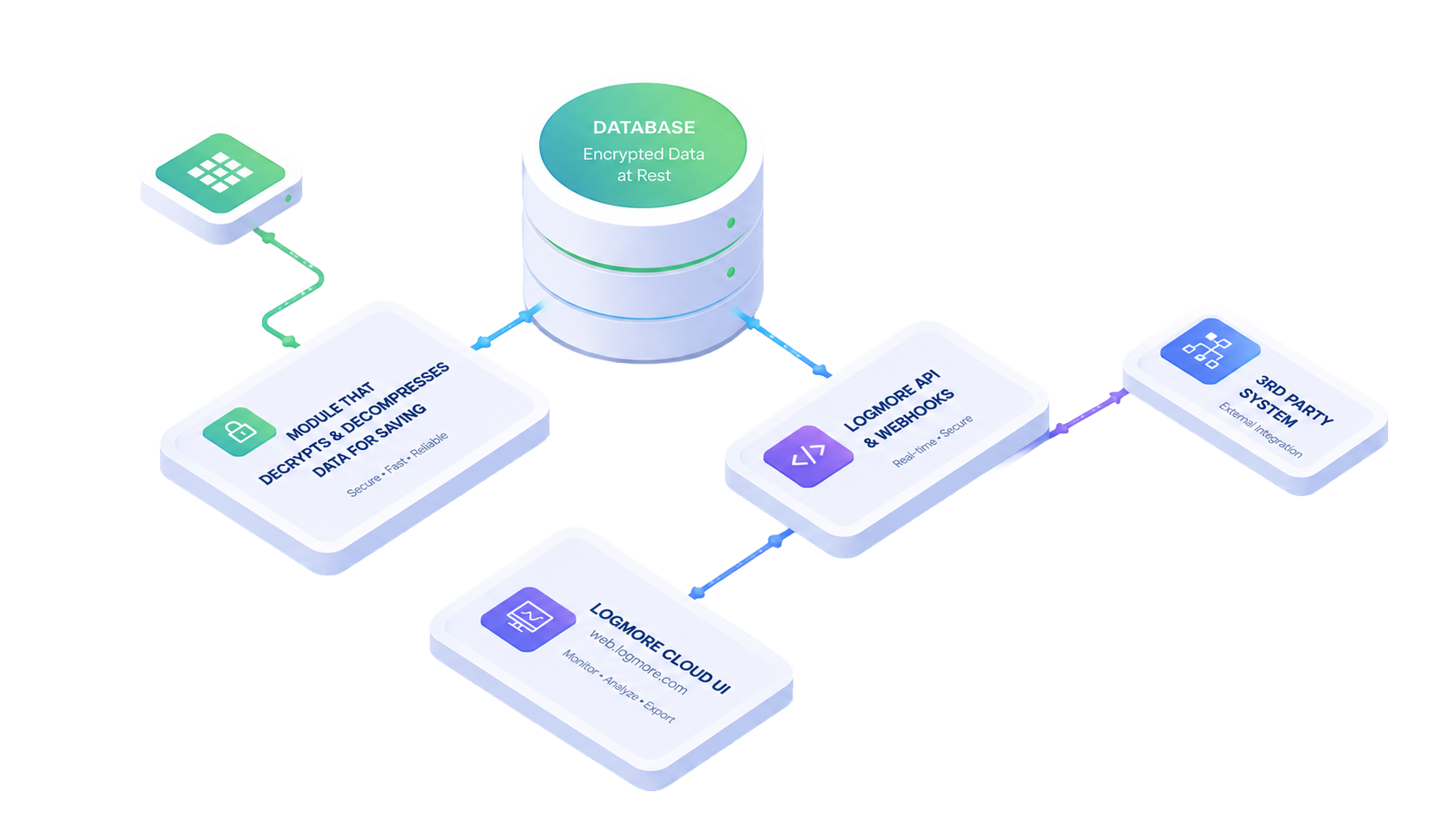
Yes. Logmore supports cold chain monitoring for chilled, frozen, and ambient food distribution by collecting shipment condition data with QR data loggers and uploading the record to Logmore Cloud.
How do alerts work for temperature excursions?
Teams can define temperature thresholds for the product category, lane, and customer acceptance requirement. When data shows an excursion, Logmore Cloud helps surface the deviation through reports, dashboards, and post-scan status so teams can review what happened quickly.
Is it suitable for transport and storage?
Yes. Logmore can be used across loading, linehaul, cross-dock, storage, last-mile delivery, and receiving workflows where food teams need temperature evidence and handoff visibility.
Can data be shared with suppliers and customers?
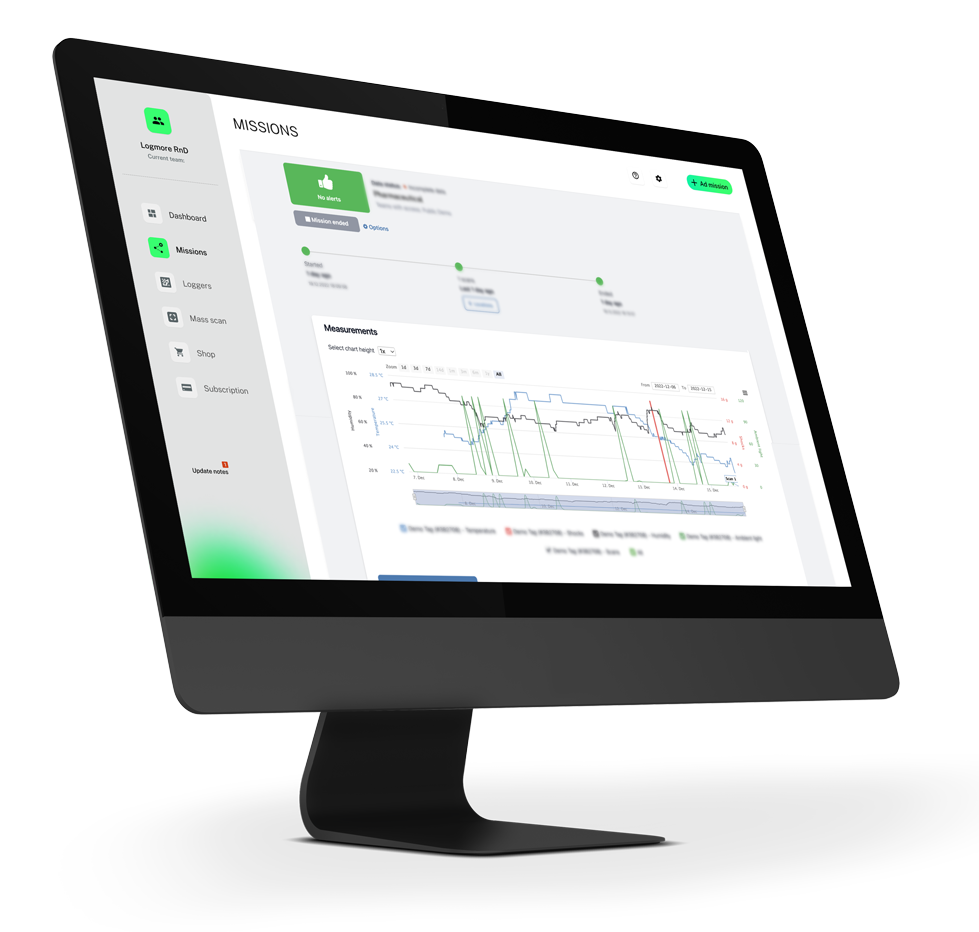
Yes. Logmore Cloud supports visual reports and exports through PDF, Excel, CSV, and API, making shipment evidence shareable for internal QA, supplier follow-up, customer claims, receiver conversations, and carrier reviews.
How do reports help with traceability?
Reports connect condition history with scan events, shipment context, deviations, and handoff points. That gives teams a clearer record for traceability, customer acceptance, claim handling, and investigating where temperature excursions or handling issues occurred.
Can it scale across multiple sites?
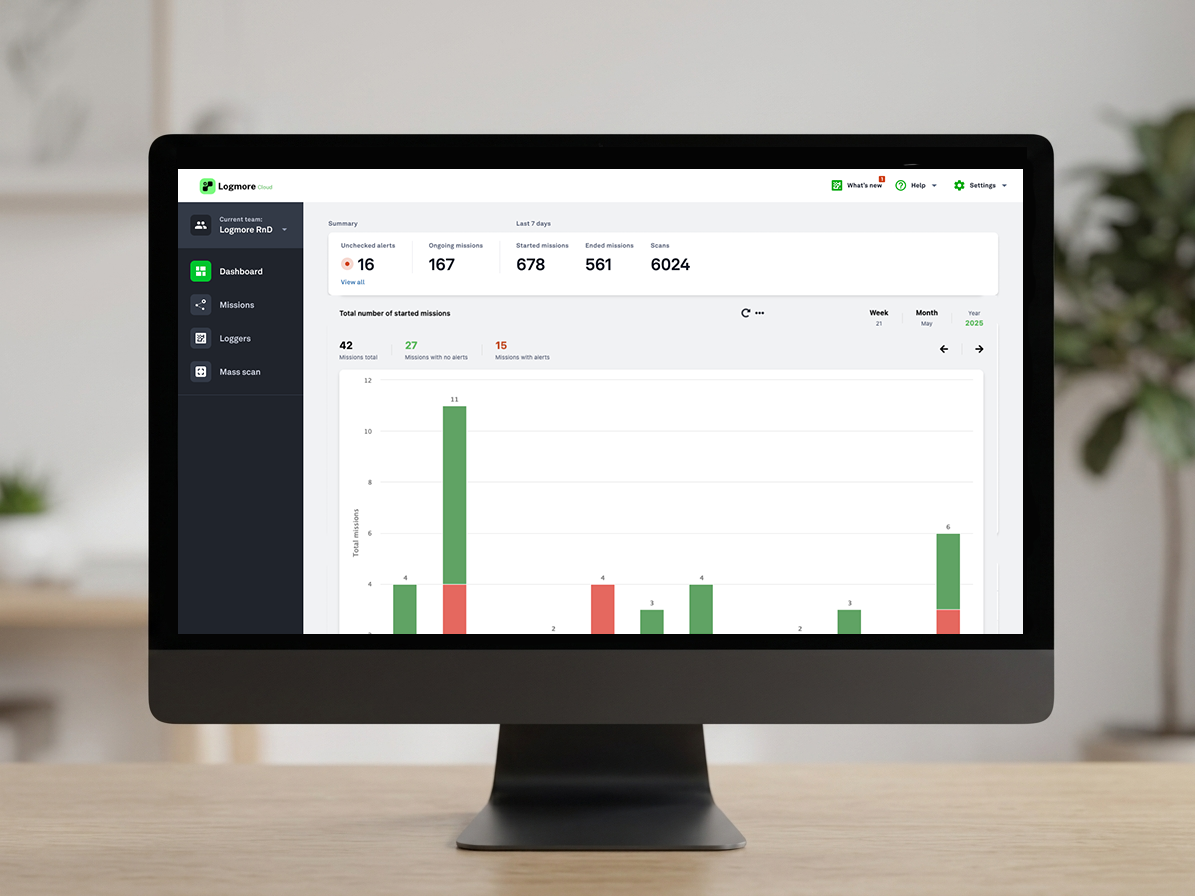
Yes. Logmore Cloud dashboards help teams compare routes, carriers, depots, scan points, and locations across larger food distribution networks, so recurring issues can be found and improved across multiple sites.