3 paths
Selection guide
Choose around the receiver workflow.
Compare computer readout, nearby wireless transfer, and browser-based QR upload before choosing a device.
Reviewed 2026-07-21 by Logmore.
Comparison / USB vs Bluetooth
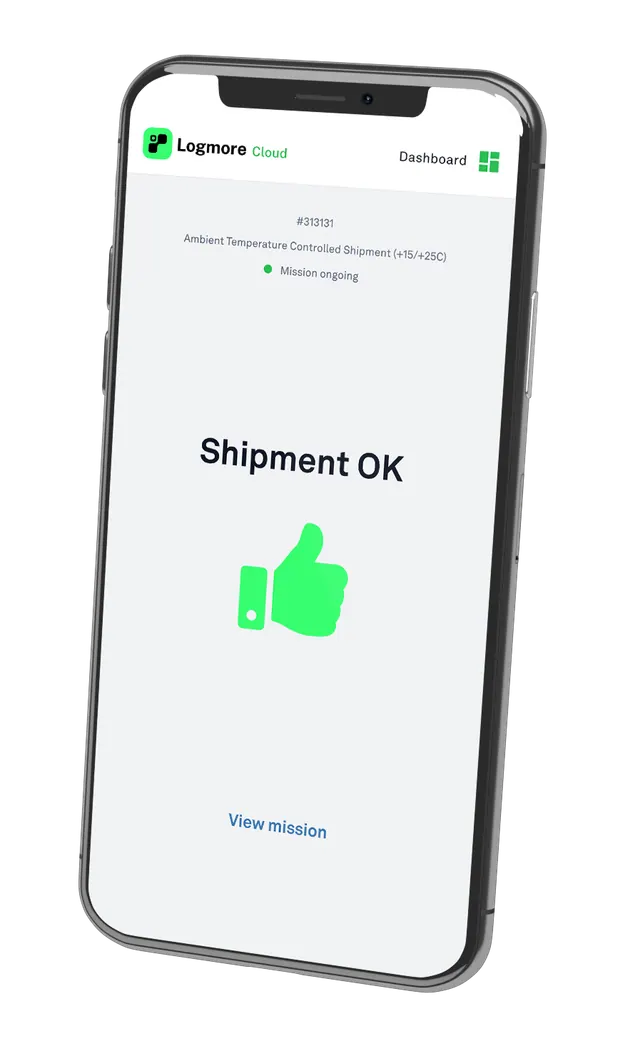
USB and Bluetooth both add readout steps. Logmore replaces that readout with a QR scan and cloud shipment report while fitting the same shipment process.
Compare computer readout, nearby wireless transfer, and browser-based QR upload before choosing a device.
Reviewed 2026-07-21 by Logmore.
Side-by-side view
The best monitoring choice depends on who uploads the data, how fast evidence is needed, and whether the record must support QA, claims, audits, or partner review.
What to check
If customers or partners upload data, keep it to a phone scan.
USB ports, apps, and Bluetooth permissions can all slow readout.
Cloud reports make shipment evidence available to the right teams.
Three-way selection
Choose around who receives the shipment, what devices they control, and where the quality record must end up.
Best for controlled sites where trained users can connect devices, run local software, and forward files reliably.
Best for controlled teams with approved phones, installed apps, pairing permissions, and nearby access to the logger.
Best for distributed receivers who should scan with a phone camera and return evidence without apps, accounts, pairing, or USB readers.
Failure modes
USB creates computer and file-handling friction. Bluetooth removes the cable, but adds app, pairing, permission, and device-control friction.
Bluetooth works best when devices, users, and apps are controlled.
Every receiver may need training, troubleshooting, and approved phone settings before readout works reliably.
Bluetooth can still be the right workflow when one internal team owns the phones, app, permissions, and readout process.
Best-fit choice
Use USB or Bluetooth where readout is fully controlled. Use Logmore when receivers need simple upload and QA needs every report in Cloud.
Operational tradeoffs
Internal teams can manage USB readout when computers, permissions, and PDF sharing are controlled.
Bluetooth works when phones and permissions are controlled.
QR is simpler when external sites just need to return evidence.
Migration path
List where USB files are downloaded, emailed, delayed, or missed.
Use the same shipment process, but replace plug-in readout with QR scan upload.
Define the report, thresholds, certificates, comments, and QA review fields.
Use single-use, reusable, or probe QR loggers by lane need.
Product context
Replace USB readout with scan-to-cloud shipment reports.
Open pageLogger models for temperature, humidity, shock, light, and dry ice lanes.
Open pageCloud reports, dashboards, alerts, audit trails, certificates, comments, and exports.
Open pageConnect mission data to quality, logistics, WMS, TMS, and control-tower systems.
Open pageIndustry overview for regulated pharma, life science, vaccine, sample, and clinical trial shipments.
Open pageExample of reducing manual QA work with automated temperature analysis.
Open pageExample of QR-based shipment status checks for pharmaceutical distribution.
Open pageFAQ
Bluetooth can avoid plugging a device into a computer, but it requires app installation, pairing, permissions, and compatible phones.
QR is better for distributed receiving when upload users should scan with a normal phone camera and avoid pairing or an installed receiver app.
QR is better when external receivers upload data and QA needs cloud reports. USB fits controlled internal readout.
No. Logmore QR upload does not require Bluetooth pairing for receiver upload.
Yes. Logmore QR data logger workflows support pharma monitoring, certificates, reports, and controlled cloud records.
Yes. Many programs segment lanes by receiver setup, route risk, cost, and evidence needs.
Related pages
Talk to Logmore
Review receiver policy, app friction, USB restrictions, report handling, and QA evidence needs.