Comparison / Tempmate data logger alternative

Tempmate data logger alternative

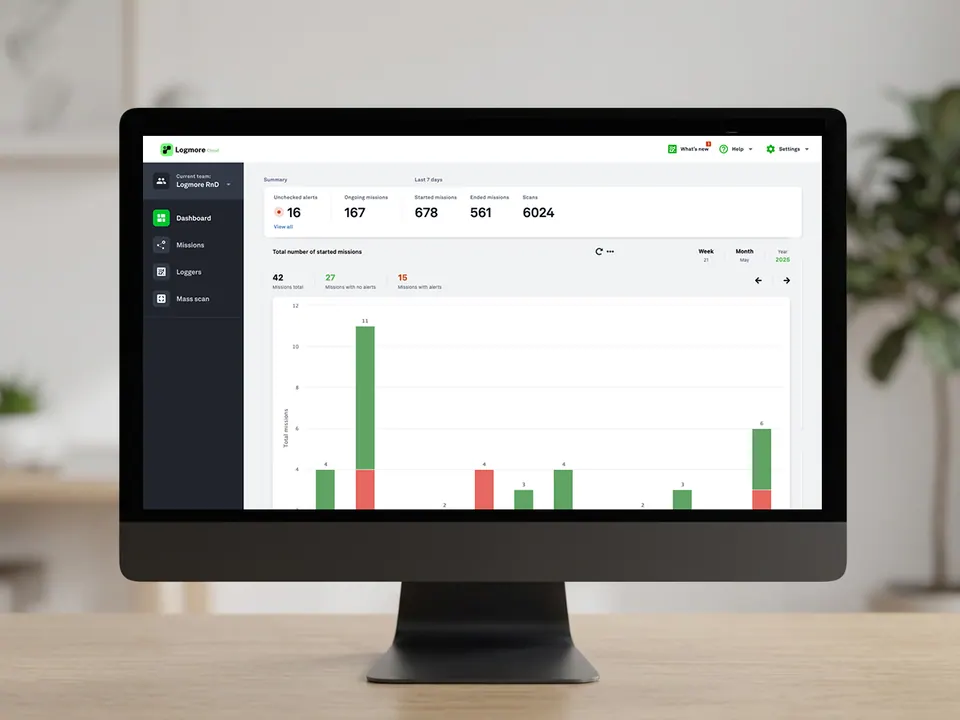
Logmore is a digital, cloud-based replacement for Tempmate data logger style USB/PDF readout. Keep the shipment process, replace plug-in readout with QR scan upload, and give QA cloud-based shipment reports.

Logmore QR data logger workflow as an alternative to Tempmate data logger readout
QR to Cloud
Workflow comparison

Compare the receiving and report workflow.

Evaluate receiver effort, upload infrastructure, report availability, and evidence handling using current official product information.

Reviewed 2026-07-21 by Logmore.   tempmate official product information.
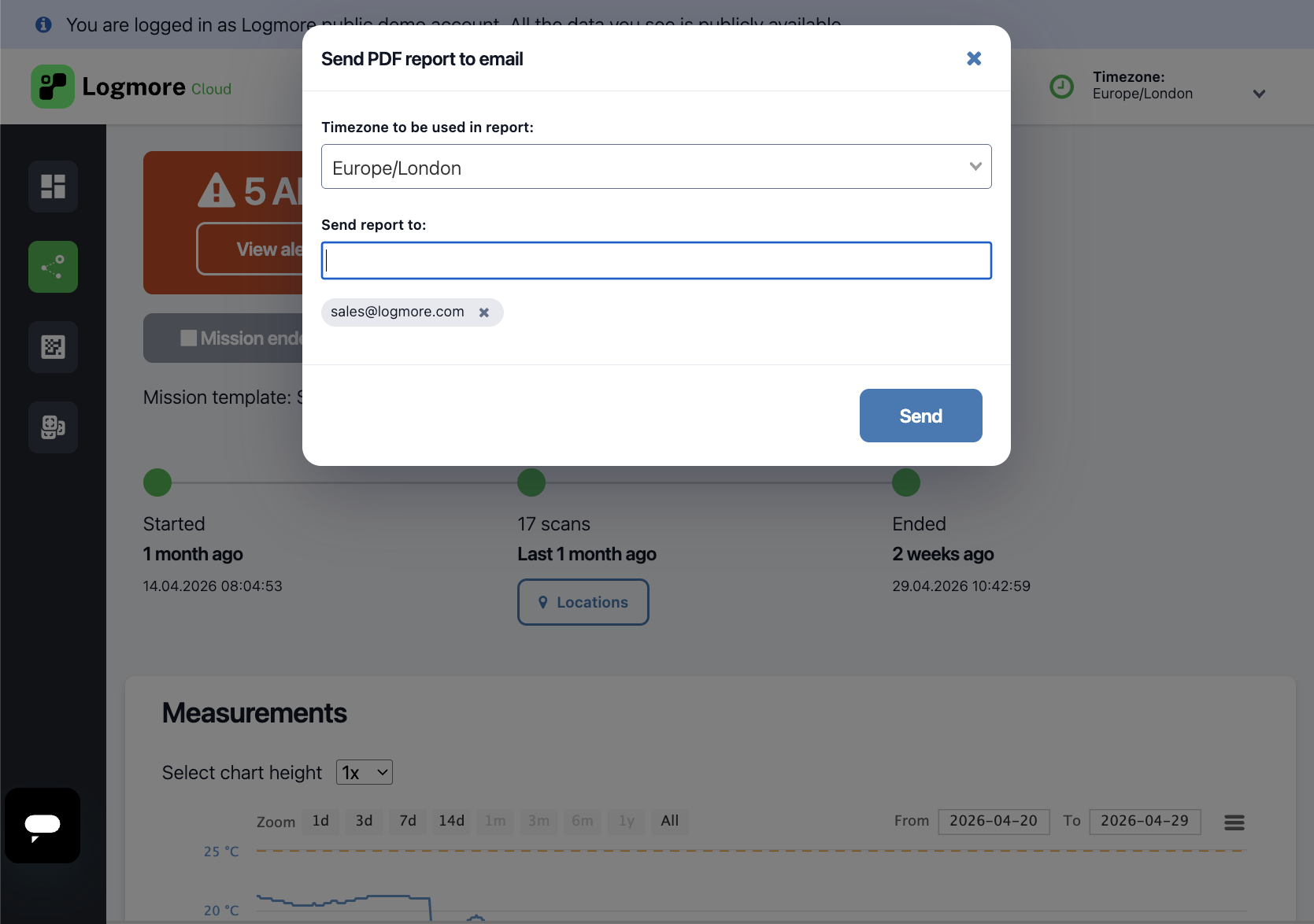
Open report example

Side-by-side view

Compare the workflow, not just the device.

The best monitoring choice depends on who uploads the data, how fast evidence is needed, and whether the record must support QA, claims, audits, or partner review.

Decision area
Tempmate data logger
Logmore QR data logger
Best fit
Dispatch
Tempmate data logger workflows are tied to a specific temperature threshold setup. Changing limits can mean extra software work, reconfiguration, or separate logger stock.
Logmore QR data logger workflows are temperature agnostic: the same logger data can support one or multiple alert and report configurations in Logmore Cloud.
Logmore when shipments need flexible temperature limits by lane, product, or customer.
Data retrieval
USB retrieval needs a PC where USB devices are allowed. Someone has to plug in the logger, download the file, create the report, and email it forward.
A QR scan uploads the shipment data directly to Logmore Cloud, where QA and logistics teams can access the report without waiting for emailed files.
Logmore when every shipment report should reach the right team automatically.
Report handling
Reports start as local PDFs that someone has to download, rename, store, and email.
Reports are cloud-based shipment records with scan context, certificates, comments, and exports.
Logmore when PDFs should not be the whole process.
Scale
Manual USB/PDF handling gets harder as lanes and receivers grow.
Cloud reports, dashboards, and API options support larger programs.
Logmore for multi-site shipment networks.

What to check

Follow the data from logger to report.

Who uploads the data?

If external sites upload data, phone scanning is easier than USB readout.

Do reports always come back?

PDF reports from USB loggers are not always sent back, but with Logmore data is instantly uploaded to Cloud.

Where does QA review happen?

If QA reviews centrally, cloud reports beat scattered PDF files.

Tempmate switch reasons

When teams evaluate a Tempmate data logger alternative.

The comparison is about workflow fit: how data is retrieved, where reports live, and how QA gets evidence back from receivers.

Switch when report retrieval is the bottleneck

Tempmate data logger style workflows can be strong in controlled environments. Logmore is a better fit when external sites need to return evidence without USB readout.

  • Receivers should not manage software, USB files, or local PDFs
  • QA wants a cloud report immediately after scan upload
  • Multiple temperature profiles need flexible report configuration
  • Partners need a simple browser-based upload path

Feature parity to check

Before switching, compare the evidence package, not only the logger device.

  • Temperature range and logger model fit
  • Calibration certificate handling
  • Report exports and controlled sharing
  • Audit trail, user roles, comments, and cloud record access

Migration FAQ

Most teams start with a lane where data return is slow, then standardize reports before replacing more workflows.

  • Retain Tempmate-style workflows where local PDF readout is reliable
  • Replace lanes where report return, cloud sharing, or receiver setup is the bottleneck
  • Use one Logmore Cloud workflow for single-use, reusable, and probe logger evidence

Retain or replace

Choose by workflow failure, not habit.

The fastest decision is to separate lanes that are working from lanes where report retrieval creates work.

Retain current workflow

Keep it when one team controls setup, readout, PDF naming, storage, and sharing.

Replace with Logmore

Move to Logmore when external receivers, partner networks, or QA teams need faster cloud evidence.

Use both during migration

Run a pilot with QR upload while maintaining current report exports until QA signs off the new workflow.

Best-fit choice

Use each option where it is strongest.

Choose Logmore when

  • You want faster and more reliable access to shipment condition data.
  • You want to optimize operations without redesigning the shipment process.
  • You want flexible temperature alert configurations instead of logger batches tied to fixed thresholds.

Practical default

Use Logmore when you want faster access to shipment condition data, 100% data retrieval targets, flexible alert configurations, and cloud reports without USB readout.

Operational tradeoffs

Choose based on how reports move through your operation.

Logmore fits existing processes

Keep the lane and receiving step. Replace manual readout with scan-to-cloud reporting.

Cloud reports replace report chasing

A scan uploads shipment data to Logmore Cloud so QA does not wait for local PDF files to be emailed back.

Evidence checklist

  • Where USB reports go missing
  • Who scans at receiving
  • Report fields QA needs
  • Certificate requirements
  • Single-use, reusable, or probe model fit

Migration path

Move from comparison to a working rollout.

Map the current readout points

List where USB files are downloaded, emailed, delayed, or missed.

Keep the lane, change the readout

Use the same shipment process, but replace plug-in readout with QR scan upload.

Standardize the cloud report

Define the report, thresholds, certificates, comments, and QA review fields.

Scale by route type

Use single-use, reusable, or probe QR loggers by lane need.

FAQ

Tempmate data logger alternative questions

Is Logmore affiliated with Tempmate?

No. Logmore is not affiliated with Tempmate. This page is a workflow comparison for teams evaluating alternatives.

Is Logmore a direct replacement for Tempmate data logger?

Yes. Logmore can replace USB/PDF readout with QR upload and cloud-based shipment reports while fitting the same shipment process.

What is the main difference in receiving?

Receivers scan with a phone. They do not need a USB reader, app, account, or login.

Can Logmore support pharma or GDP-oriented workflows?

Yes. Logmore supports reports, certificates, audit trails, and controlled records. Compliance depends on the customer's quality system.

Can reports still be exported?

Yes. Reports and data can be exported from Logmore Cloud.

When should teams keep their current logger workflow?

Keep it when one trained team controls setup, readout, PDF handling, and report sharing without delays or missing data.

Related pages

Continue comparing monitoring options.

Talk to Logmore

Replace Tempmate data logger readout with cloud shipment reports.

Review where USB readout slows operations or loses shipment reports.