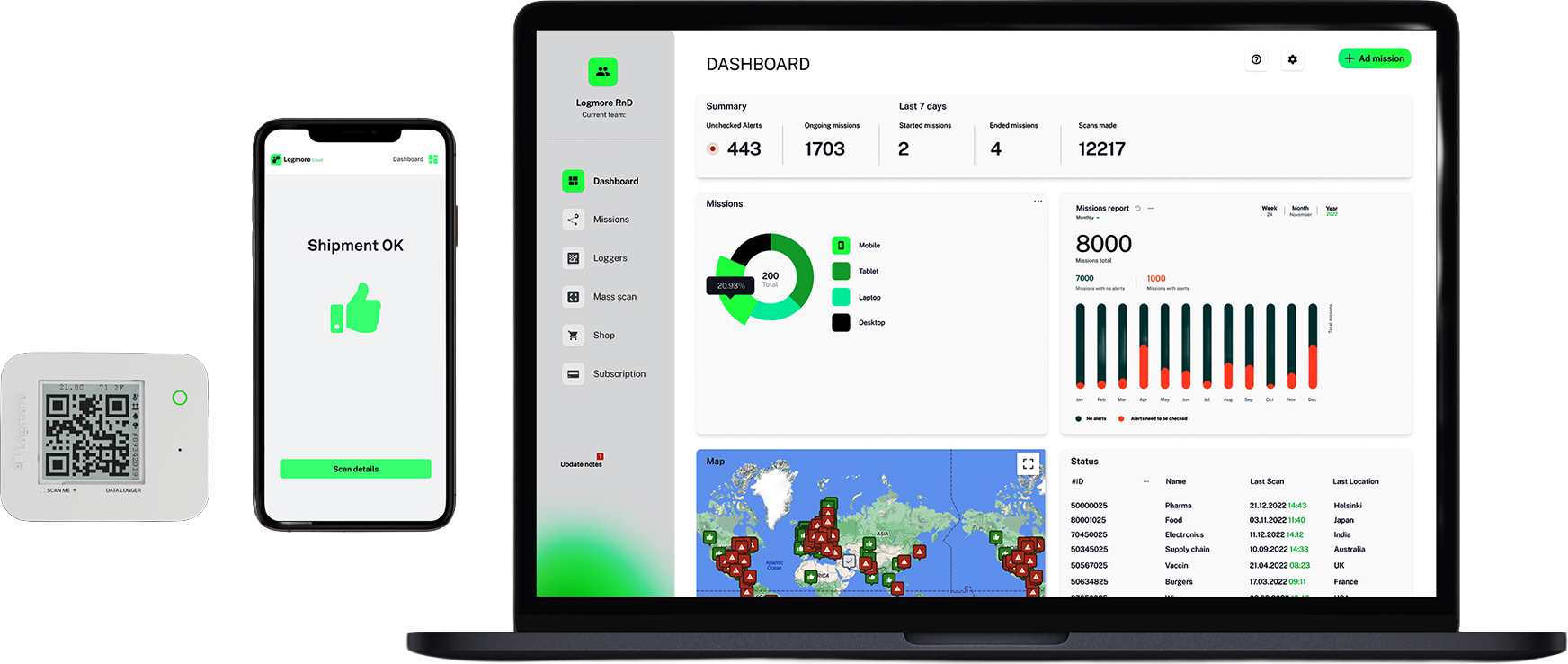
Logger travels with the shipment
Conditions are recorded with the goods throughout transport.
Logmore is a platform for turning shipment conditions into evidence: QR data loggers capture the journey, Cloud makes the data useful, and the API connects it to operational systems.
Use this overview as the map, then go deeper into the product layer that fits your workflow.
Platform overview
The solution is easiest to evaluate as a stack. The logger creates the condition record, Cloud turns it into usable evidence and reports, and, if needed, the API moves that evidence into third-party systems.
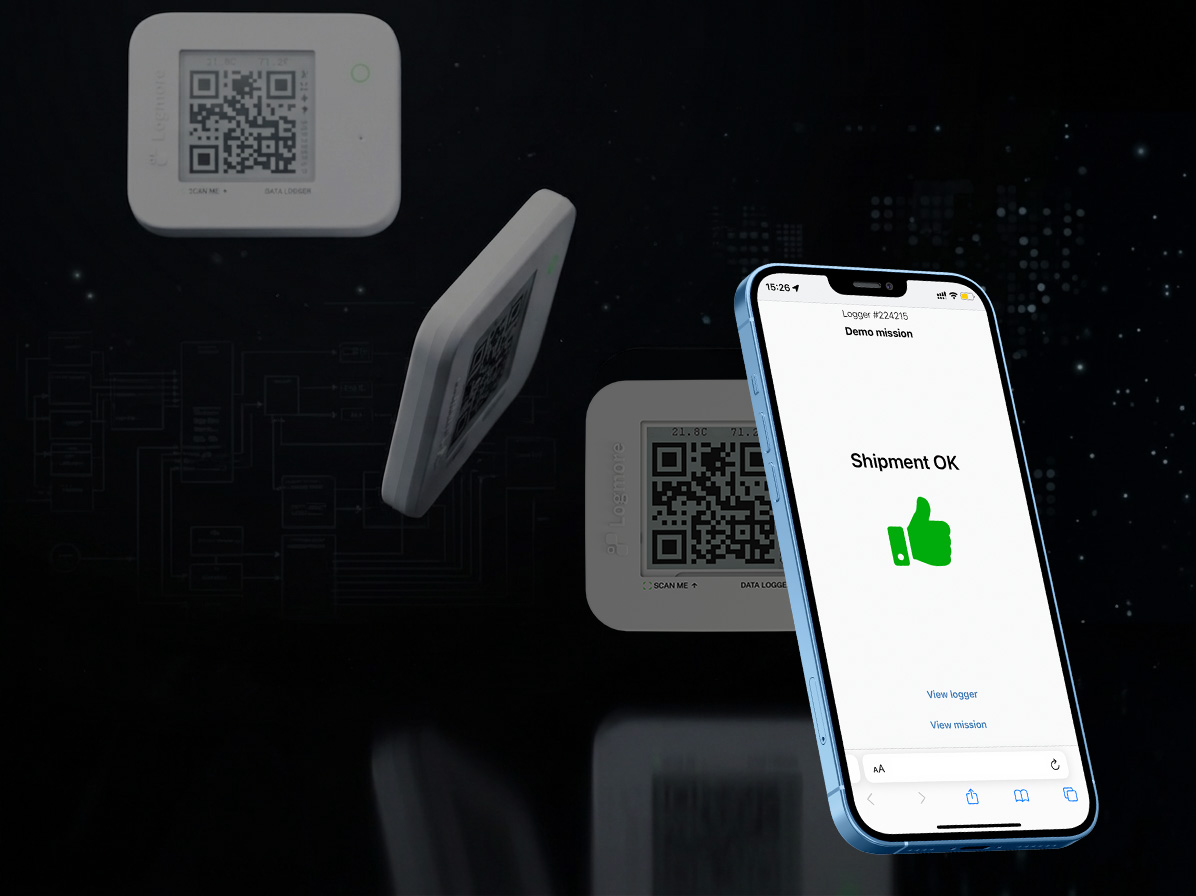
Logmore QR data logger
Logmore QR data loggers record shipment conditions and upload data through a secure QR scan. Shipment receivers and other upload users do not need an app, account, or login, making Logmore the only market solution built for secure app-free uploads.
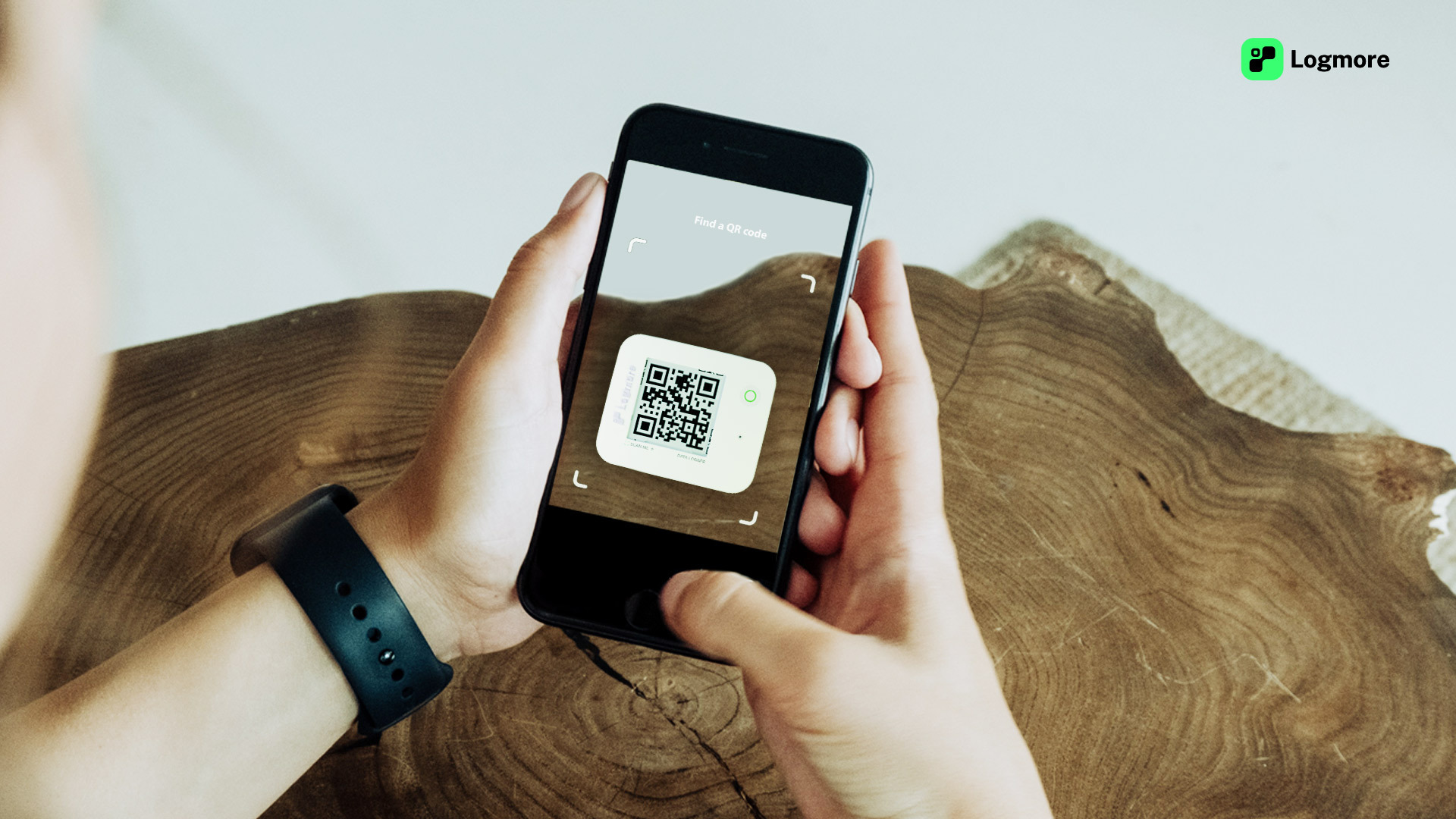

Conditions are recorded with the goods throughout transport.
No installed app, account, password, or special reader is required.
Shipment data becomes secure reports, alerts, and decision-ready records.
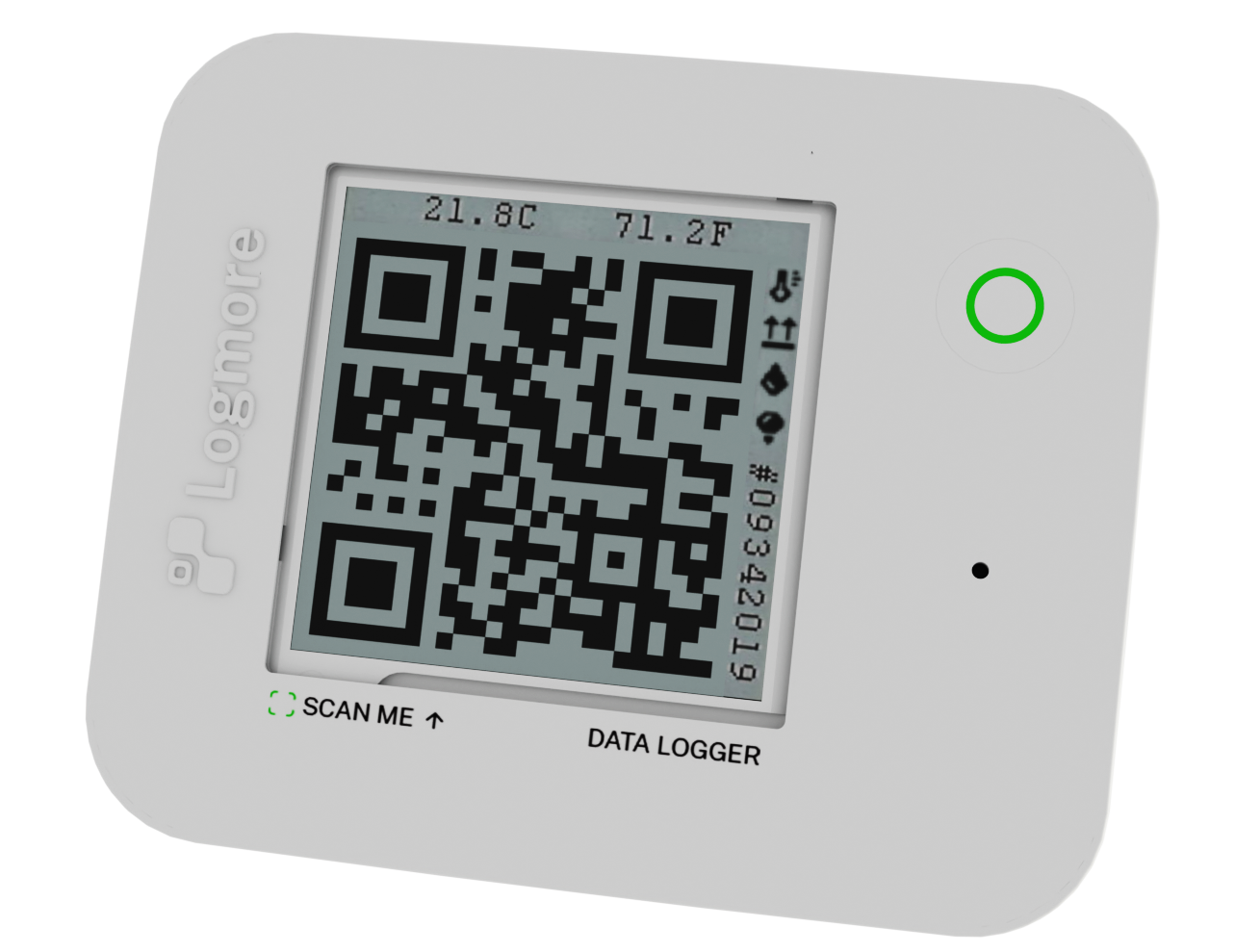
QR data loggers
Logmore QR data loggers travel with the goods and record the conditions that matter for transport decisions.
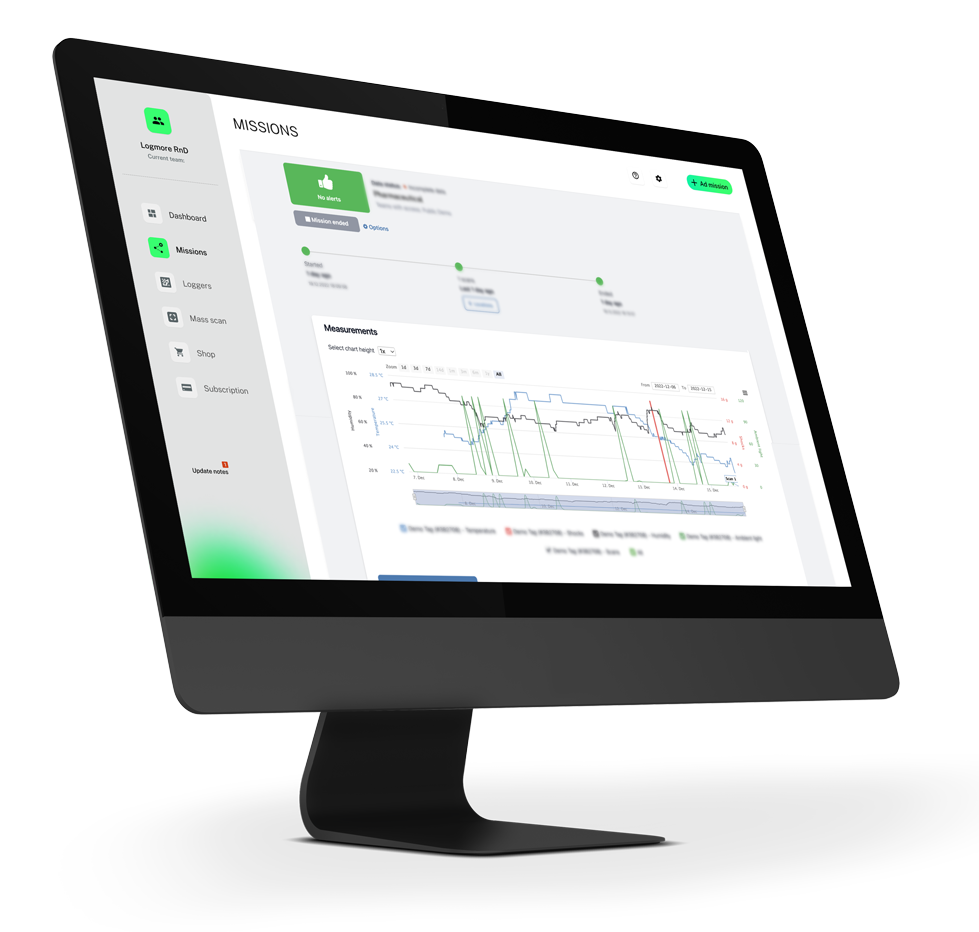
Logmore Cloud
Cloud gives operations, quality, and customer teams one place to review mission data and act on deviations.
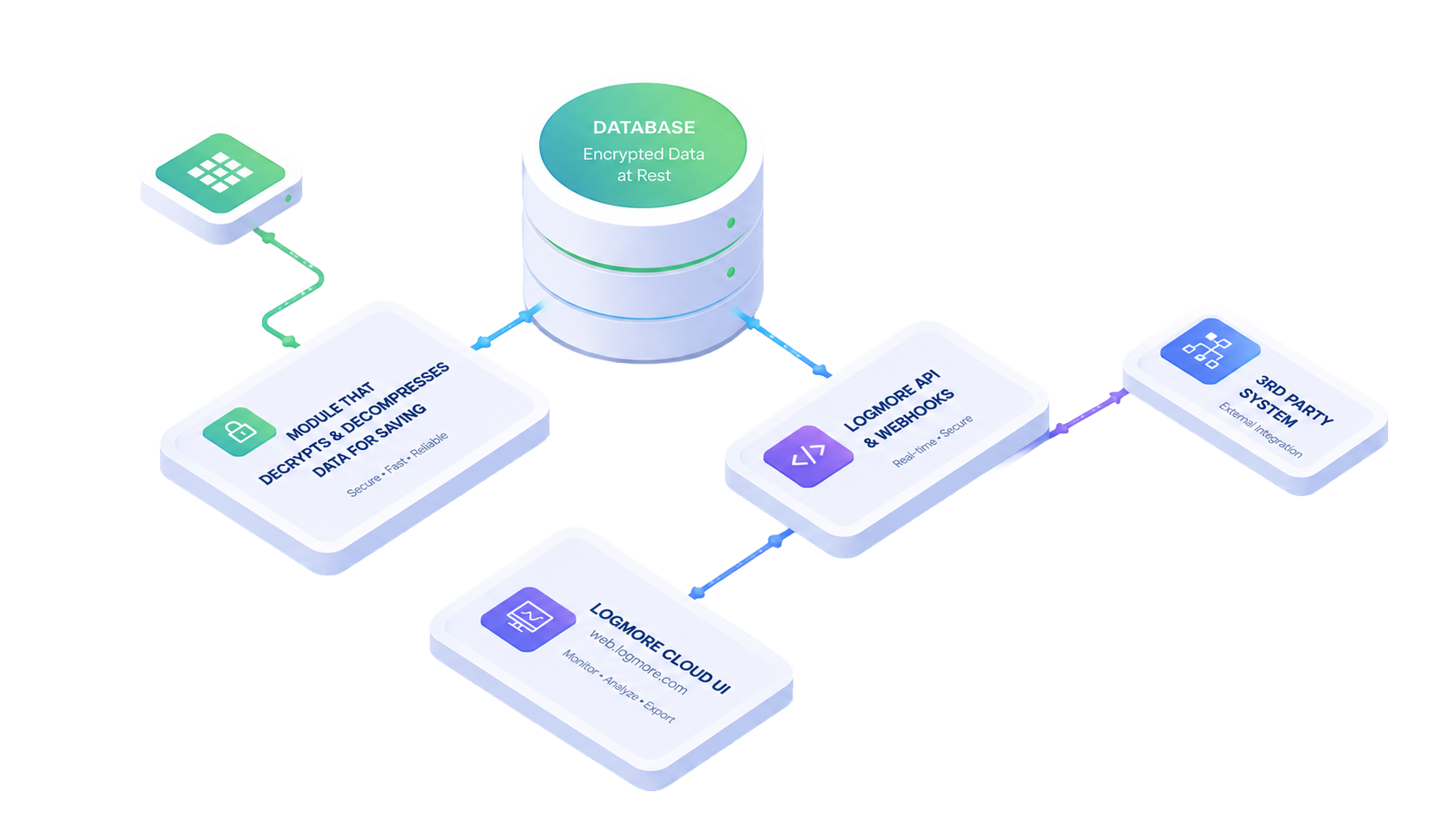
Optional API layer
OptionalAdd the API when shipment monitoring needs to connect with WMS, TMS, ERP, control tower, or quality systems.
Condition monitoring value
Logmore helps teams capture reliable condition evidence, make it useful immediately, and scale from simple shipment checks to automated monitoring programs.
Use Logmore for temperature, humidity, shock, light, and other shipment-condition evidence across pallets, totes, parcels, containers, and lanes.
Every upload becomes clear reports, alerts, and records that help quality, operations, customer service, audits, and claims teams act faster.
Start with secure scan-based monitoring, then add dashboards, automation, and integrations only when volume or process complexity requires it.
Choose your next view
Open the layer that matches the question in front of you: the logger in the shipment, the Cloud workspace, or the optional integration layer.
Questions & Answers
A shorter FAQ for the umbrella solution page. Product-specific details live on the individual product pages.
No. Logmore QR data loggers can be scanned with a normal phone camera or QR scanner. Shipment receivers and other upload users do not need a Logmore app, account, or login to upload logger data securely.
Logmore is best for shipment condition monitoring where reliable evidence matters: pharma and life sciences, food and cold chain, industrial goods, chemicals, batteries, and other logistics flows where quality, claims, compliance, or customer visibility are important.
Depending on the logger model, Logmore can record temperature, humidity, shock, light events, and related shipment context. The data is tied to the shipment record and turned into reports, alerts, and audit-ready evidence in Logmore Cloud.
Logmore Cloud helps teams identify deviations, review what happened, and create reports for internal follow-up, customer communication, quality checks, or claims handling. Alerts and exceptions can also be routed into existing workflows when integrations are used.
Yes. Integrations are optional, not mandatory. Teams can use scan-based workflows and Logmore Cloud on their own, or connect Logmore data to ERP, WMS, TMS, quality, control tower, or visibility platforms through imports or the REST API.
Reports and shipment data are available in Logmore Cloud after upload. Teams can review dashboards, download reports and certificates, share evidence, or use the API to move reports and raw data into third-party systems.
Logmore is designed for secure condition data handling, with EU data residency and support for GDP and 21 CFR compliant workflows. The exact compliance setup depends on the customer process, logger model, and reporting requirements.
Next steps
Tell us how your shipments move today, and we will help identify the right mix of logger, Cloud, and API workflows.