Virtual demo
Experience Logmore
See how a new generation QR data logger moves from setup to scan, secure cloud upload, and audit-ready reporting without reader hardware or a field app.
Virtual demo
See how a new generation QR data logger moves from setup to scan, secure cloud upload, and audit-ready reporting without reader hardware or a field app.
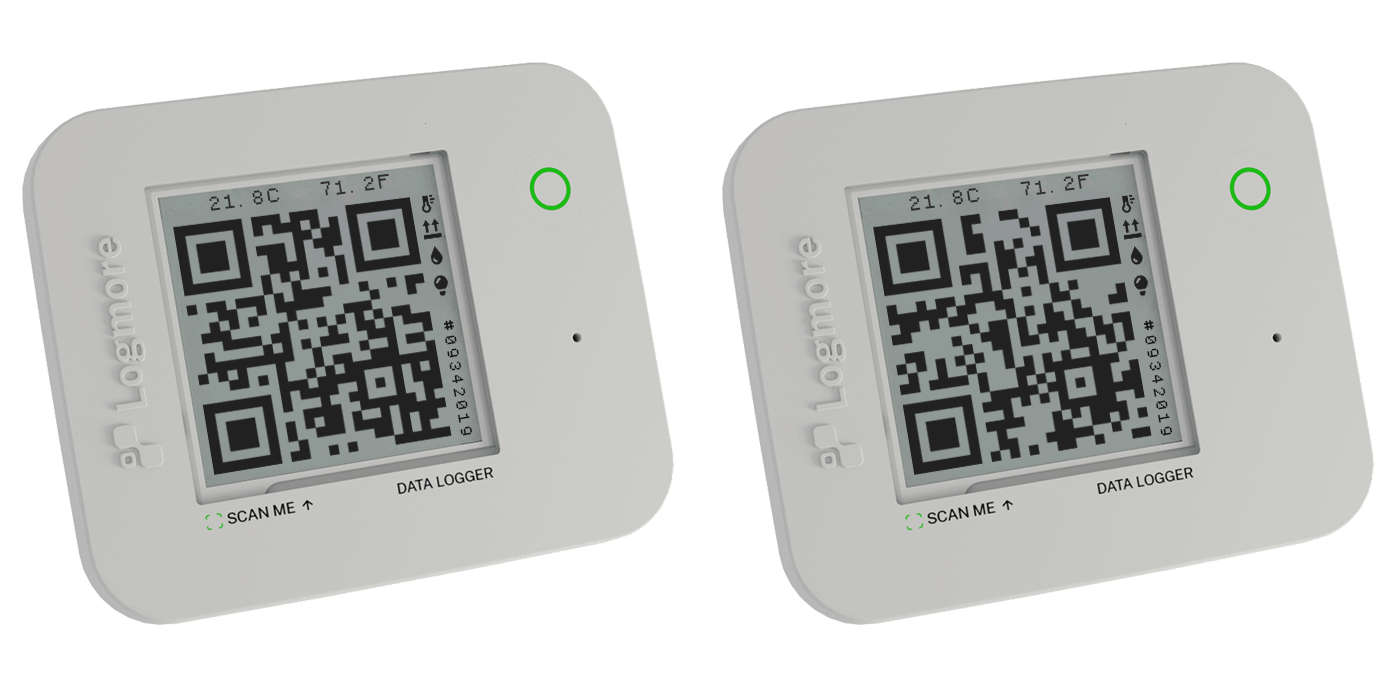
Calibrated sensors, long battery life, and QR-based connectivity built into one reusable device. Anyone with a smartphone can scan it and upload the measurement history to Logmore Cloud.
 TemperatureCold chain and ambient monitoring
 HumidityMoisture-sensitive shipments
 ShocksImpact events during handling
 LightOpening and exposure events
 Scan locationContext at every upload
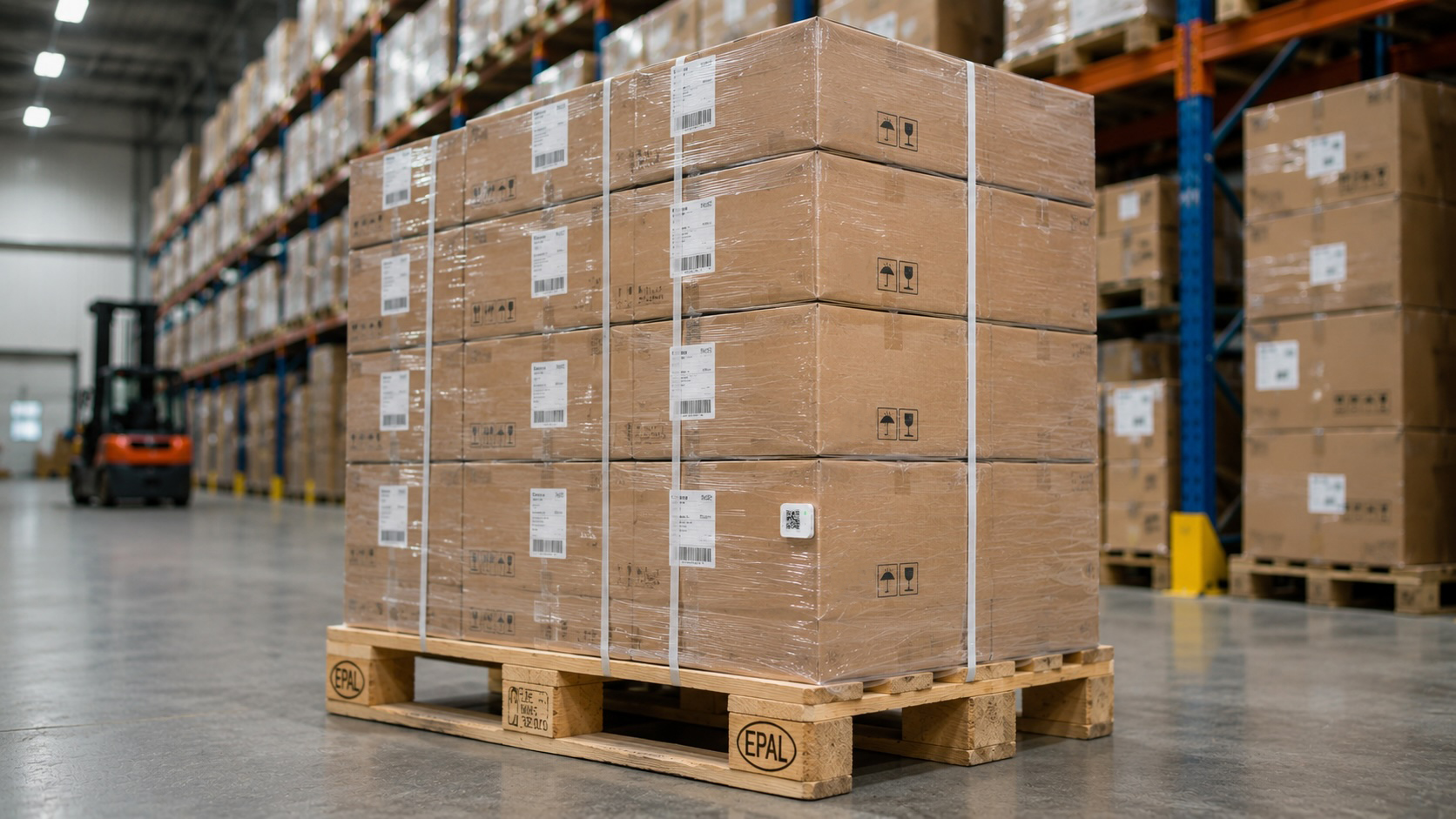
We will walk through the shipment workflow one step at a time.
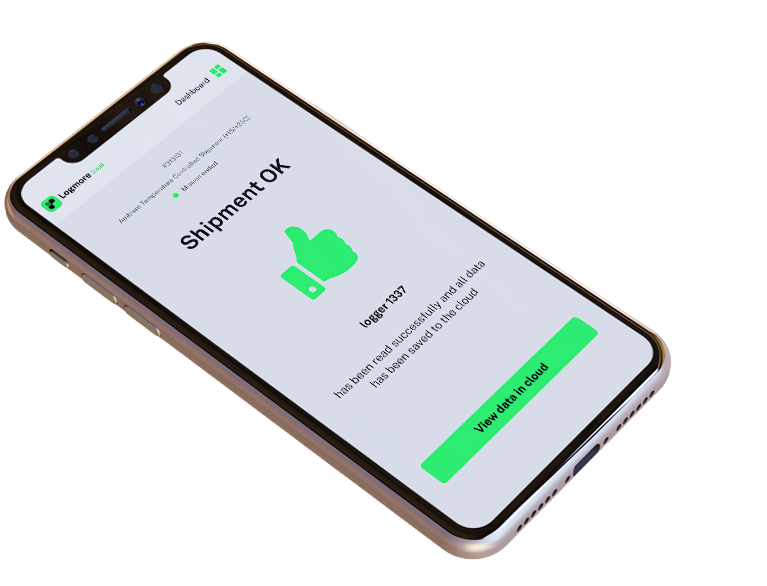
Name the shipment and attach the logger before the shipment leaves.
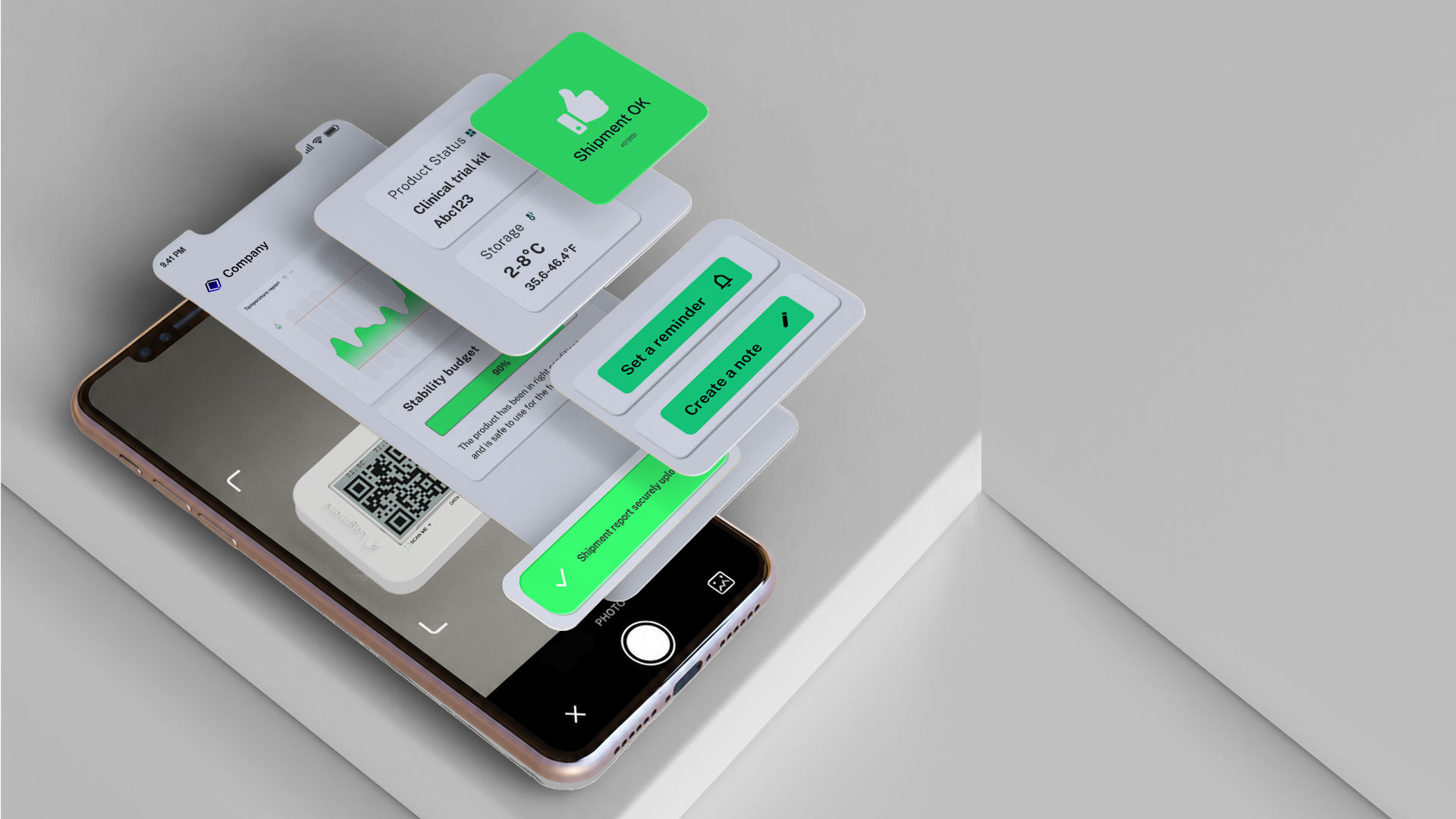
The recipient scans the Dynamic QR code using a standard smartphone camera.
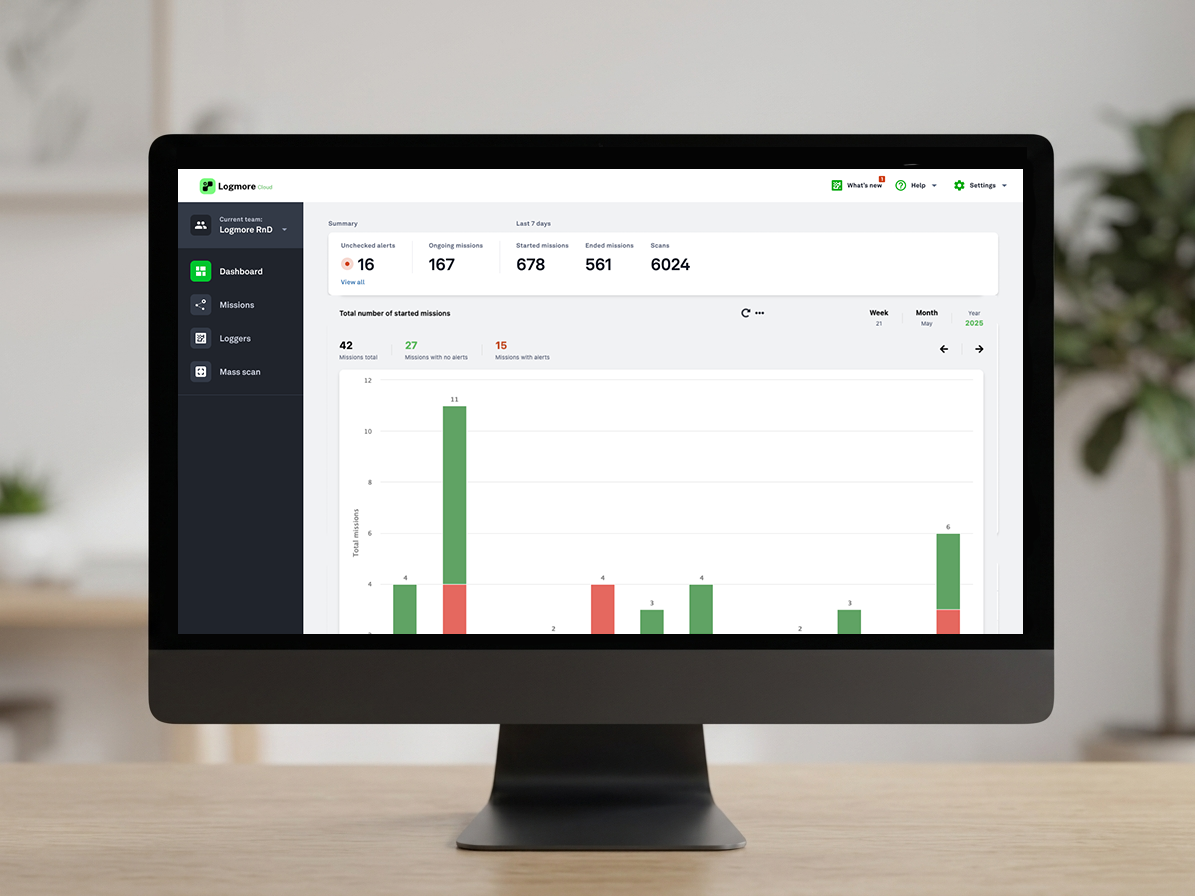
Measurements, status, and reports become available in Logmore Cloud.
Step 1
Setup takes seconds. Save shipments individually to Logmore Cloud as missions, then reuse the same logger for the next shipment.
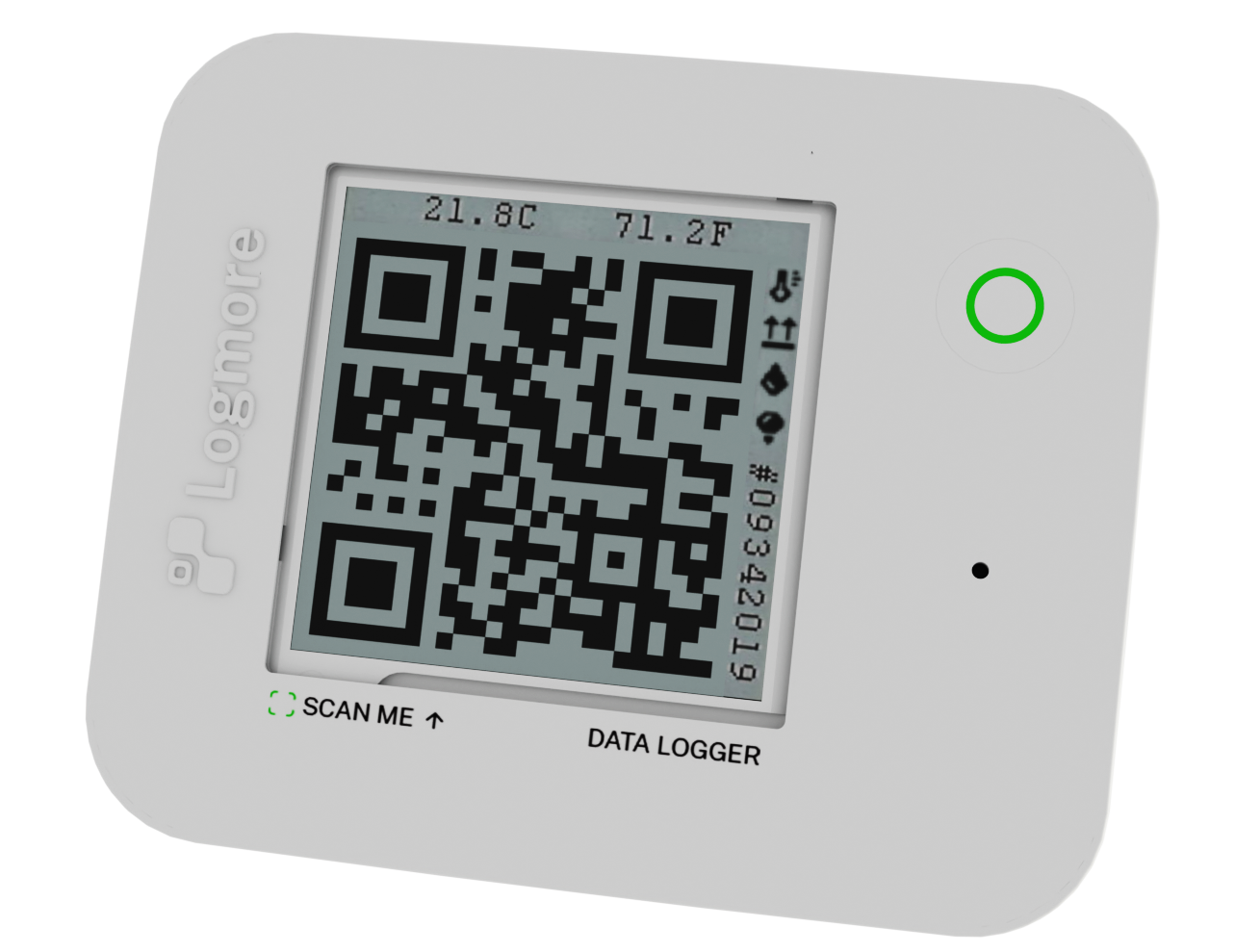
Mission setup
Mission started successfully.
Step 2
Shipment
Clinical trial kit A
Temperature
OK
Step 3
Along with scan location and the full measurement history, the shipment becomes available in Logmore Cloud for tracking, analysis, reporting, and API integrations.
Data & reports
Quality and logistics teams can review the status, download certificates and reports, and follow exceptions from the same mission view.
View Logmore Cloud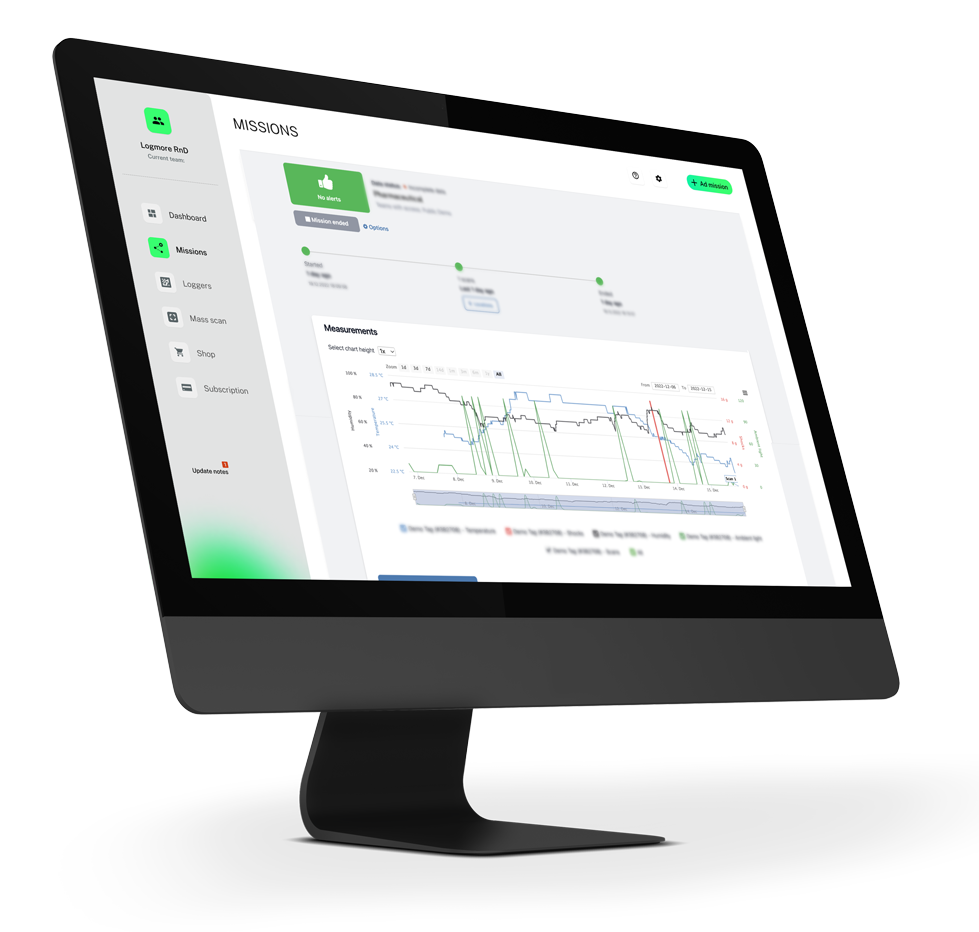
Tell Logmore what you ship, how often, and which conditions matter. The right logger model, calibration, dashboard flow, and reporting setup can be matched to your operation.